nnce
Bluetooth connection for iOS devices
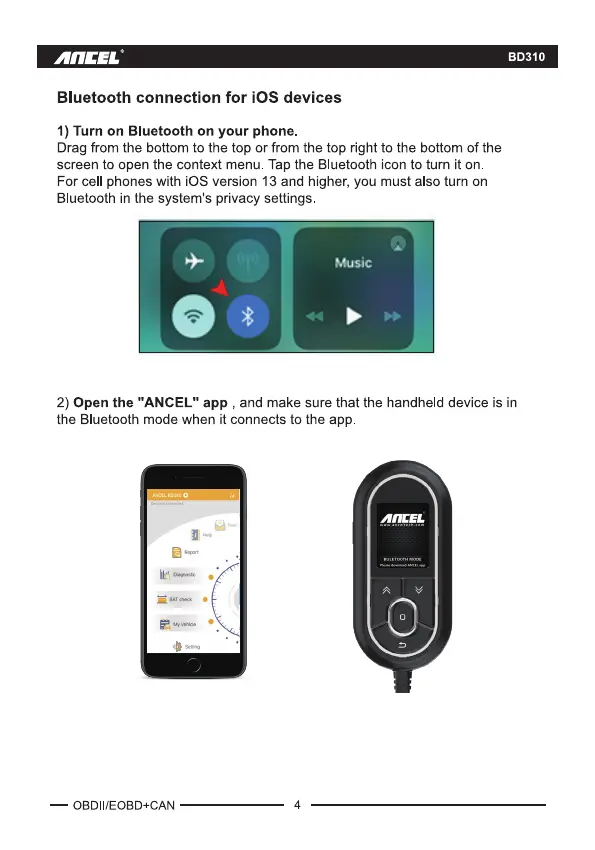
1) Turn on Bluetooth on your phone.
Drag from the bottom to the top or from the top right to the bottom of the
screen to open the context menu. Tap the Bluetooth icon to turn it on.
For cell phones with iOS version 13 and higher, you must also turn on
Bluetooth in the system's privacy settings
Music
BD310
2) Open the "ANCEL" app , and make sure that the handheld device is in
the Bluetooth mode when it connects to the app
— OBDII/EOBD+CAN 4



 To Next Page