1.1 Turn the ignition on.using FD700.
1.2 Locate the vehicle's 16-pin Data Link Connector
(DLC).
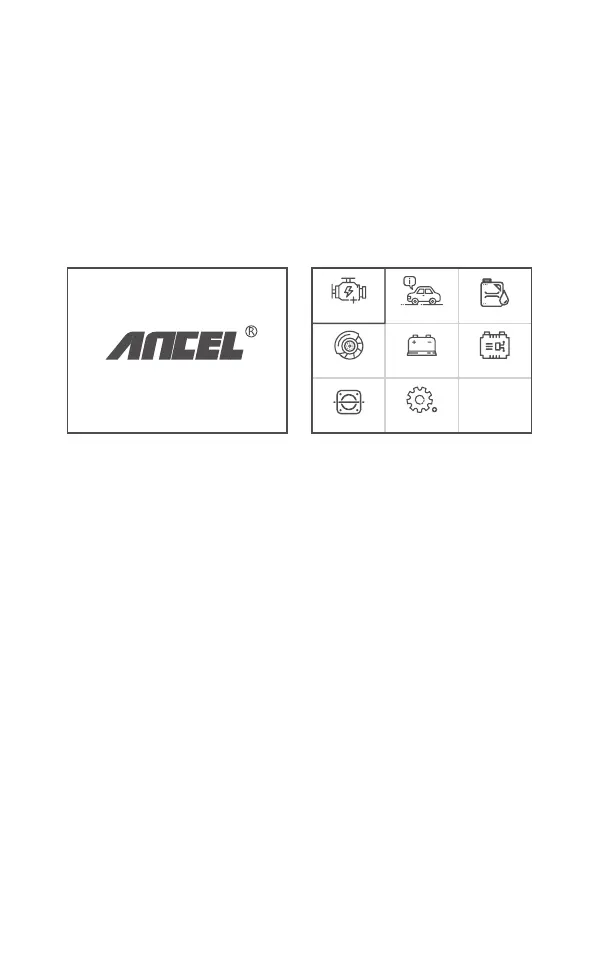
1.3 Main menu functions:
[OBDII]: Detect the engine system.
[For Ford]: Test all systems.
[Oil reset]: Oil change reset
[EPB reset]: EPB Brake pad reset
[BAT]: To read real Time Battery Voltage
[BMS reset]: Battery management system reset
[ETC reset]: Electric Throttle Control reset
[Tool Setup]: Language / Beeper/Instructions (Display at
startup)/Unit of Measure/Skin Style/Feedback the test result
(Main interface) (Main Menu)
1. Connect FD700
OPERATION INSTRUCTIONS
OBDII Oil reset
BMS resetBATEPB reset
Tool SetupETCS reset
For Ford
4EN



 To Next Page