Dear customer
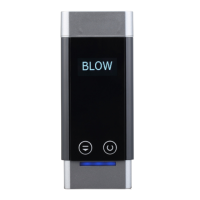
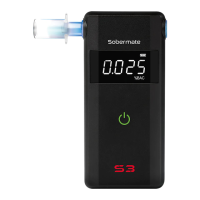
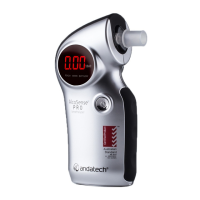
Congratulations on buying your new AlcoSense Pro breathalyser.
Now, if you are drinking, you are more aware of your alcohol level before you get
into the car and possibly drive dangerously.
We hope you enjoy owning your AlcoSense Pro breathalyser. If you have any
questions regarding the unit or want to speak with us further, please visit
andatech.com.au or call 1300 800 200 (between 9am and 5pm Monday to Friday).
When the unit is turned off, press and hold the Power Switch. The unit will display
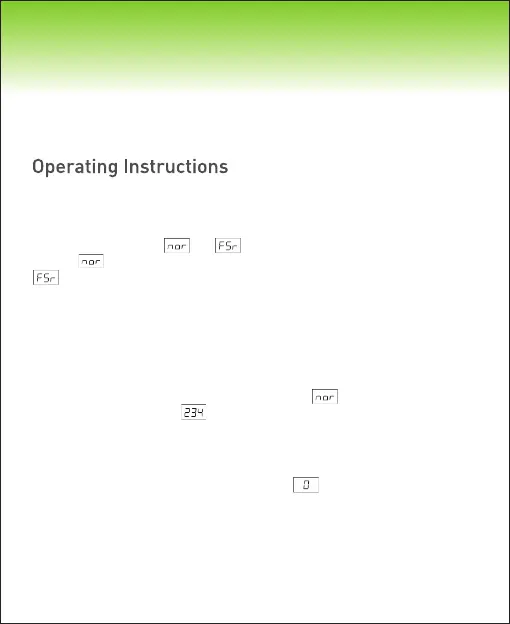
the last number of tests, and . Release the Power Switch when it
displays to operate the unit in Normal mode, or release it when it displays
to operate it in Fast mode.
Wait 20 minutes after your last alcohol drink. It takes approx. 20 minutes
for alcohol to have an effect on your system and for residual alcohol
remaining in mouth to dissipate.
Attach the mouthpiece to the unit. Press and hold the Power Switch.
Release the Power Switch when displaying and wait while the Pro
counts down from to warm up.
The unit will beep twice and a yellow light will appear beside “READY” to
indicate it is ready for you to start. Begin blowing through the mouthpiece
into the unit for 5-10 seconds or until the unit beeps twice.
You will see the unit displaying the digit moving left to right as it is
analysing the sample.
After analysis is complete, you will see the blood alcohol concentration
(BAC) results displayed. The result will be displayed for 15 seconds
before automatically turning off.
Step 1:
Step 2:
Step 3:
Step 4:
Step 5:
Once your blood alcohol level is above the legal limit, the “WARN” light will flicker
along with the alarm sound.
Instructions must be followed to ensure accurate test results. This unit can be
operated in Normal Mode and Fast Mode, as described below.
Normal Mode Operation


 To Next Page