6
Preparing the Hard Drives for Use
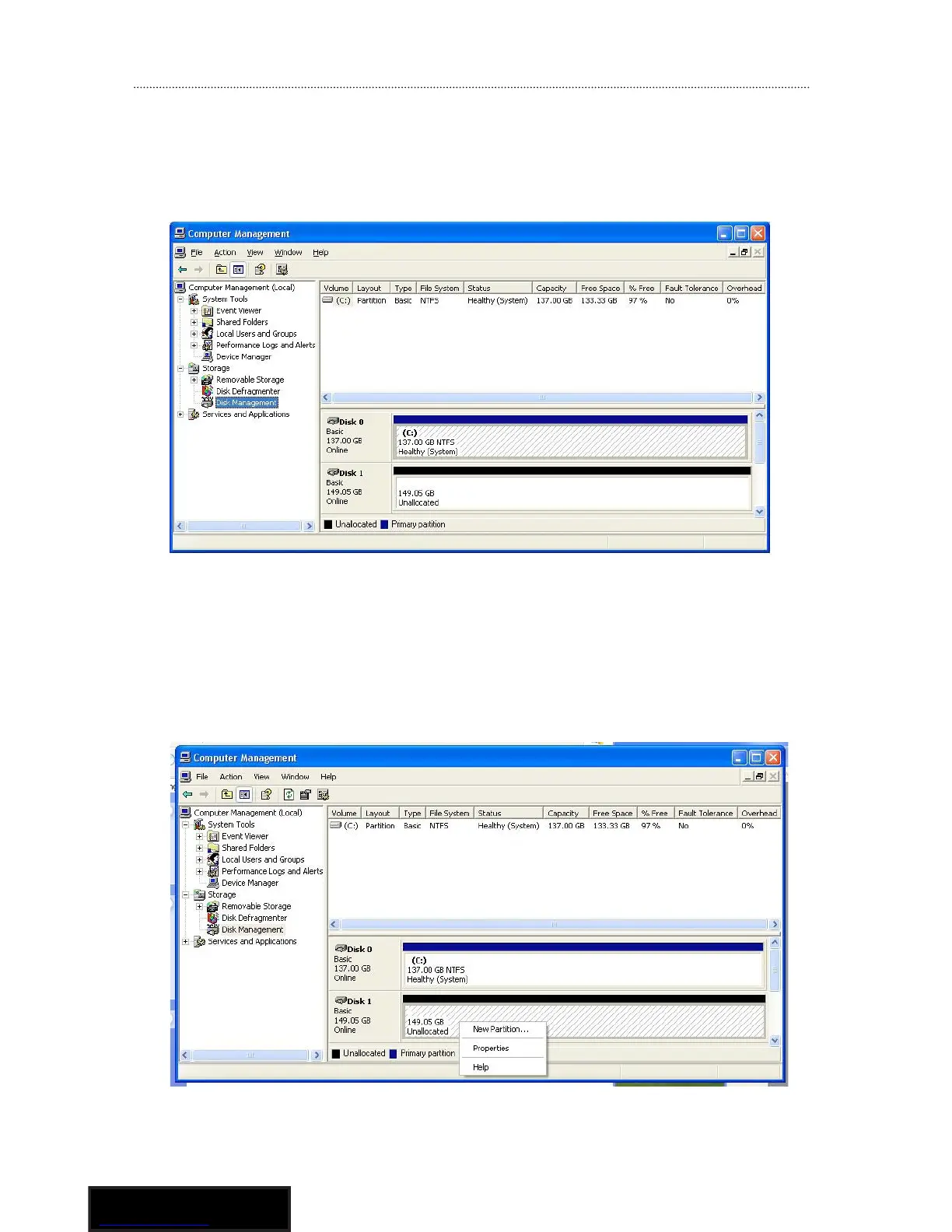
1. Right click on the My Computer icon and select Manage. In
the left pane of the Computer Management window, click Disk
Management.
2. In the bottom right pane of the Computer Management window,
you should see your drives listed as unallocated. Click on the
unallocated drive and select New Partition. The New Partition
Wizard will launch.



 To Next Page