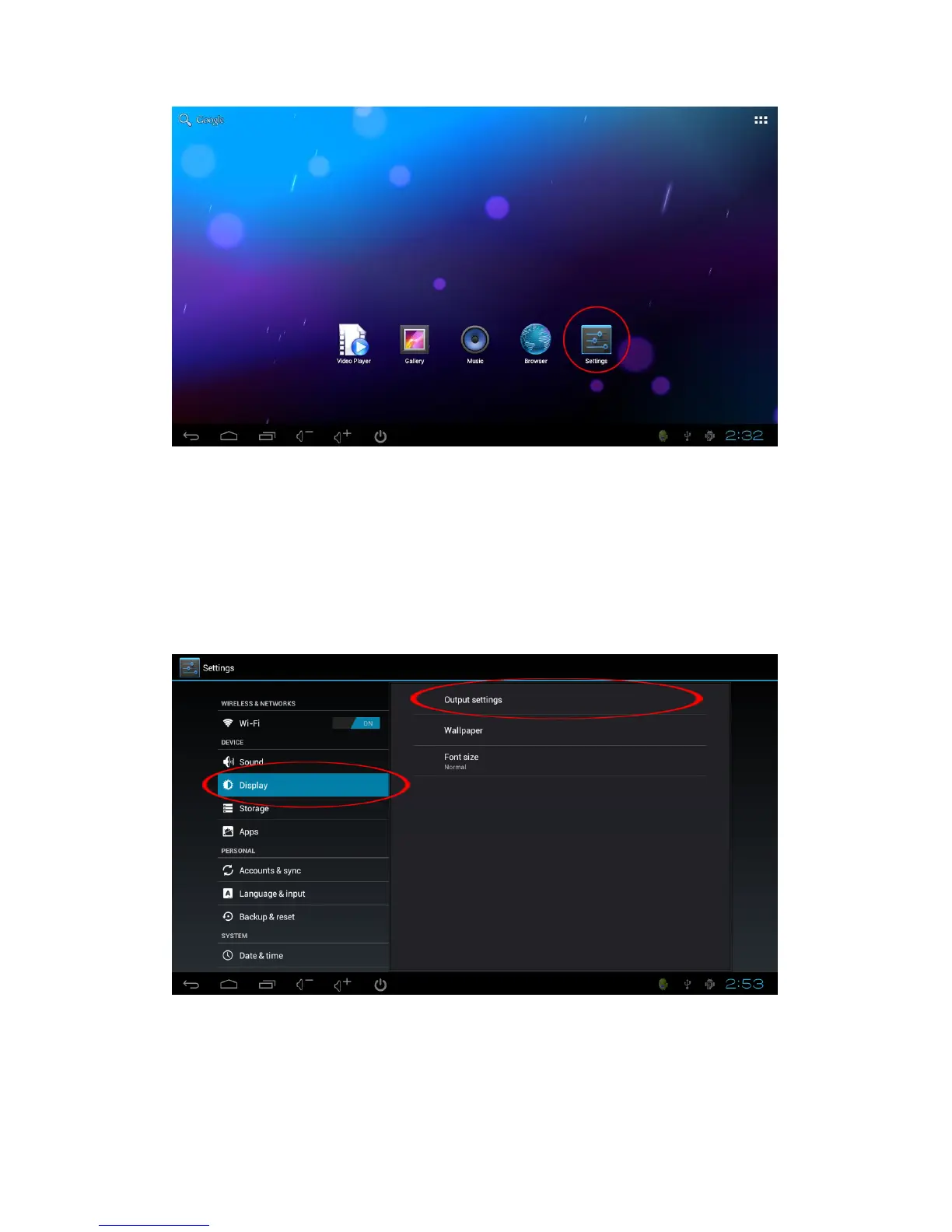
2. Turn on Wi-Fi, choose the Wi-Fi router
3. Input the password (if has), click 'Connect' and when connected, the bottom right corner
of the screen will display the Wi-Fi icon.
Adjust the display resolution
If the image on the TV screen size does not fit properly or does not look right, click
SETTINGS - DISPLAY, then click Output Settings and then set the output resolution (we
recommend using the Auto detection). You can also use the RESIZE option to set the
DISPLAY screen size.
Adjust the loudness of sound
Use the mouse click the volume +/- icons to adjust the sound


 To Next Page