Copy file from computer
1. Connect the TV stick with computer by the USB cable supplied.
2. Wait about 45 seconds (time approximate boot Android).
2. Press the Fn button, then the TV will enable Android connection with your computer.
4. A few seconds later,you will see a new disk appear in computer. Then you can copy
files like movie/music… to the Android TV stick.
Install and uninstall applications
Install applications:
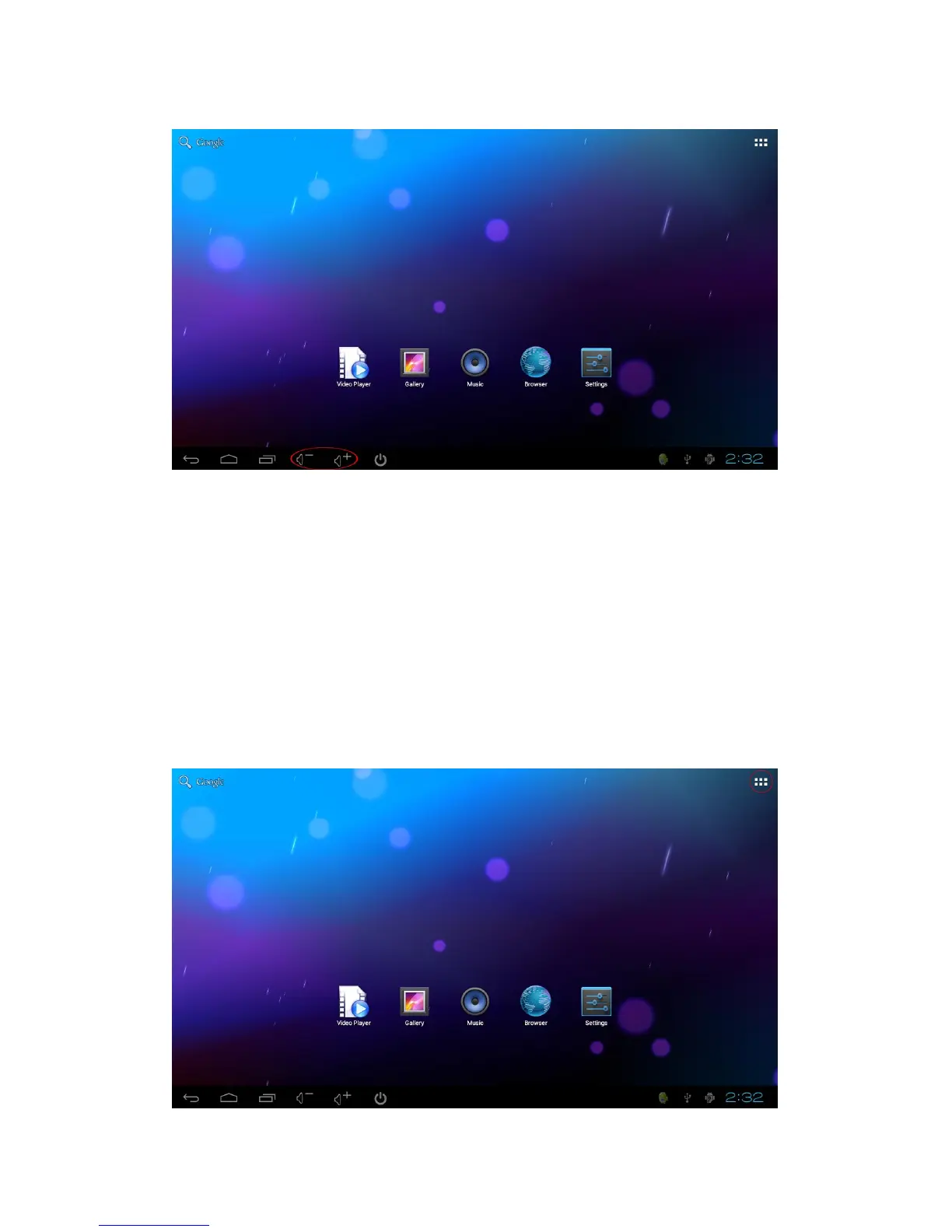
Click the icon in up right corner(see below picture), you will see the installed
applications.


 To Next Page