03 02
Using Your USB-C Docking Station
Power on Your Dock
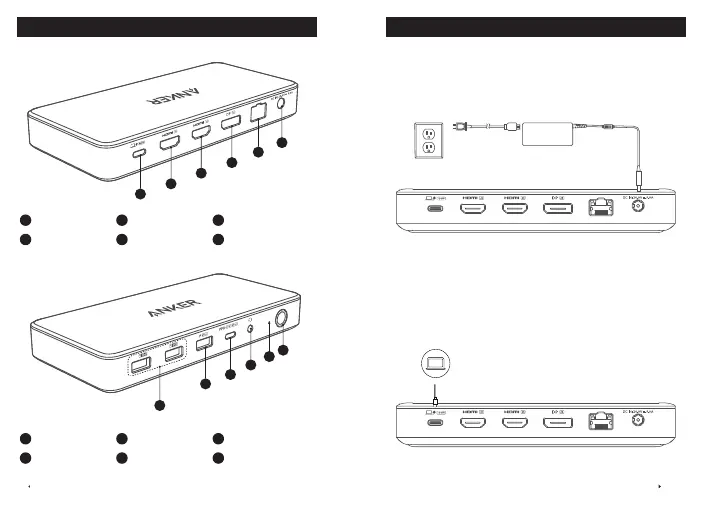
1. Plug one end of the included power adapter into the DC-IN port and
the other into a power outlet.
2. Press the power button. The LED indicator will turn green.
Connect the Dock to Your Laptop
Connect your laptop to the dock's USB-C upstream port using the
provided cable. The LED indicator will turn blue, and your laptop will
begin charging at a maximum of 100W.
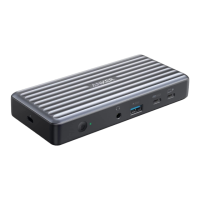
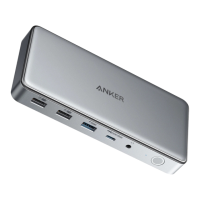
At a Glance
1
DC-IN Port
2
Ethernet Port
3
DisplayPort 1.1
4
HDMI 1.3 Port
5
HDMI 1.4 Port
6
USB-C Upstream Port
12
11
10
9
8
7
7
USB-A 2.0 Port
8
USB-A 3.0 Port
9
USB-C 3.1 Port
10
Audio In and Out
11
LED Indicator
12
Power Button


 To Next Page