05 04
Install the DisplayLink Driver on Your Laptop
Once the dock is connected to your laptop, the DisplayLink driver will be
installed automatically. If not:
1. Download the DisplayLink driver at support.displaylink.com.
2. Follow the instructions to complete the installation.
LED Indicator Guide
Solid green Powered on
Solid blue
Connected to a laptop
O
Not connected to a laptop
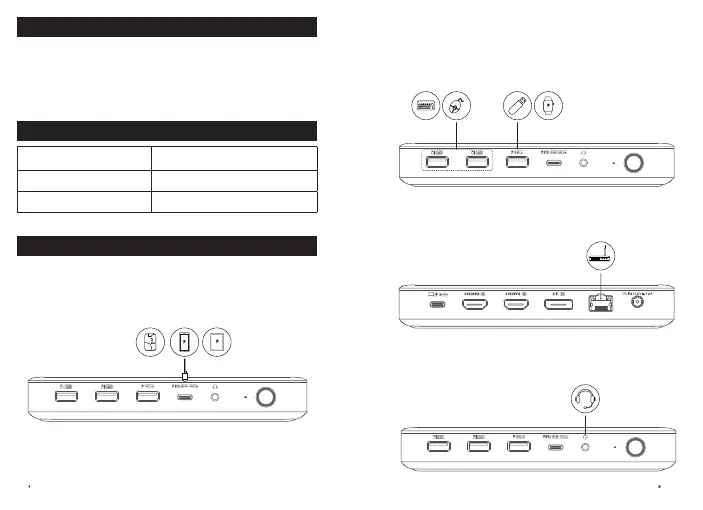
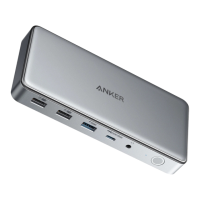
Port Overview
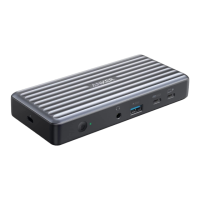
USB-C 3.1 Port
Connect USB-C compatible devices such as SSDs (Solid-State Drive) to
the USB-C 3.1 port (15V/2A, 5 Gbps). You can also charge your phone or
tablet at a maximum of 30W via this port.
USB-A 3.0 and USB-A 2.0 Ports
Charge your Apple Watch or other accessories via the USB-A 3.0 port
(BC 1.2). Transfer data to and from USB drives via the USB-A 3.0 port
(5 Gbps) or the two USB-A 2.0 ports (480 Mbps). These ports can also
be used to connect other USB devices such as keyboards and mice.
Ethernet Port
Connect the dock to a router or modem at 10/100/1000 Mbps via the
Ethernet port.
Audio Jack
Connect headphones, a microphone, or other audio devices with a 3.5
mm AUX connector (not included).


 To Next Page