6 7
Mobile Device Running Android
■
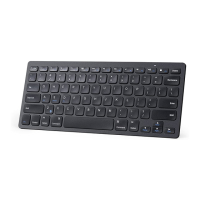
Enable the Bluetooth function if it’s not already active. Go to
Settings > Wireless and Networks.
■
When the keyboard name A7721 appears, select it and click Next.
■
Follow the onscreen instructions to complete pairing.
On Your Device
Mobile Device Running iOS
■
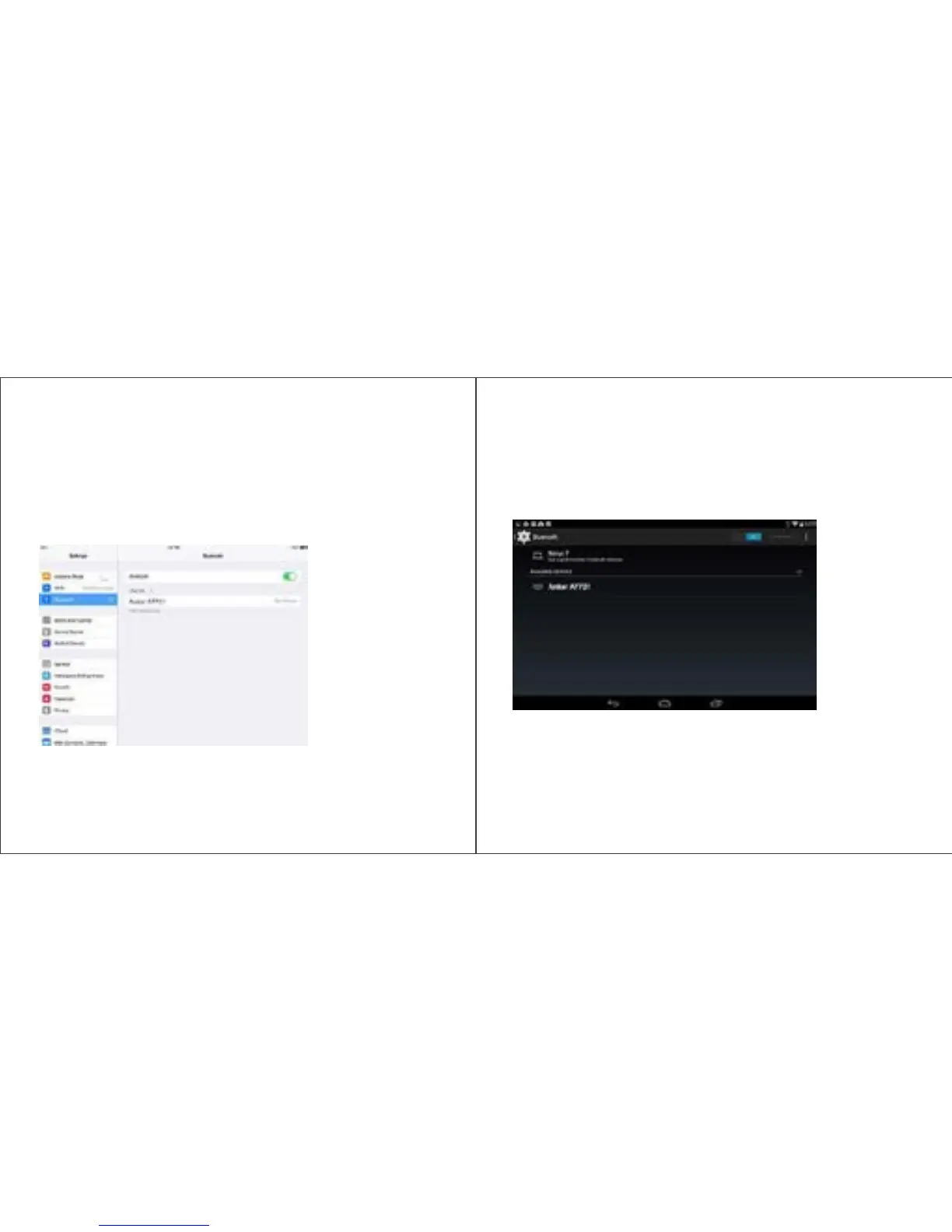
Enable the Bluetooth function if it’s not already active. Go to
Settings > Bluetooth.
■
When the keyboard name Anker A7721 appears, click the name to
complete pairing.


 To Next Page