8 9
Computer Running Windows 8 .1
■
Click Settings in the upper-right corner of the display.
■
Click Change PC Settings > PC and Devices > Bluetooth
■
Select Anker A7721 and follow the onscreen instructions to
complete pairing.
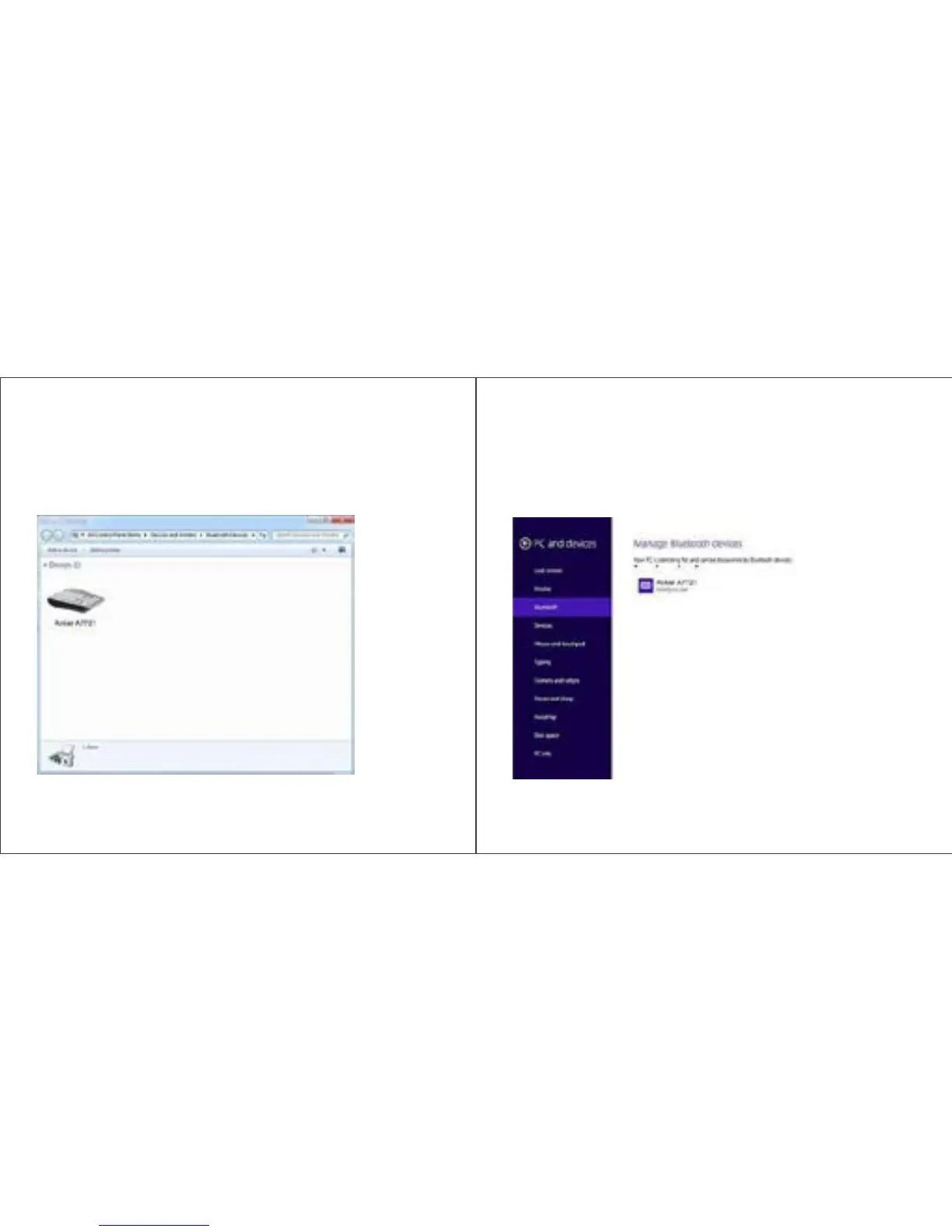
Computer Running Windows 7
■
In the Start menu, click Devices and Printers.
■
Click Add a device to display available Bluetooth wireless devices.
■
Select Anker A7721 and click Next. Follow the onscreen
instructions to complete pairing.


 To Next Page