EasyManua.ls Logo

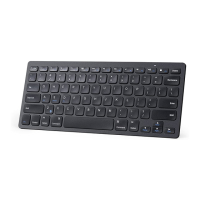
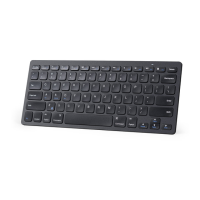
Anker Ultra-Slim Wireless - User Manual

Anker Ultra-Slim Wireless
12 pages
Print Icon
To Next Page IconTo Next Page
Loading...
Ultra-Slim Wireless Keyboard
Welcome Guide
Question and Answer IconNeed help?

Do you have a question about the Anker Ultra-Slim Wireless and is the answer not in the manual?

Summary

Product Overview

Function Keys

Details the functionality of all dedicated function keys for media, navigation, and system control.

Setup Instructions

Keyboard Components

Identifies key physical components including indicator light, battery slot, and receiver.

Troubleshooting

Pairing Keyboard and Receiver

Provides step-by-step instructions to resolve connectivity issues.

Warranty and Contact

Warranty Information

Details the product warranty period and terms of service.

Contact and Support

Provides contact methods for inquiries, support, and after-sales service.

Summary

Product Overview

Function Keys

Details the functionality of all dedicated function keys for media, navigation, and system control.

Setup Instructions

Keyboard Components

Identifies key physical components including indicator light, battery slot, and receiver.

Troubleshooting

Pairing Keyboard and Receiver

Provides step-by-step instructions to resolve connectivity issues.

Warranty and Contact

Warranty Information

Details the product warranty period and terms of service.

Contact and Support

Provides contact methods for inquiries, support, and after-sales service.

Anker Ultra-Slim Wireless Specifications

General IconGeneral
Keyboard LayoutQWERTY
Key MaterialPlastic
Operating Range10 meters (33 feet)
CompatibilityWindows, Android, Mac
ConnectivityWireless

Related product manuals