6
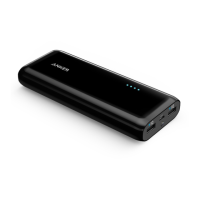
Astro E5 Power Meter Instructions
Press the power button once to trigger the LED power meter and display the
remaining power level.
■
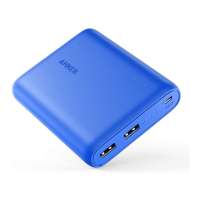
Each of the LEDs represent 25% of the battery’s capacity.
■
The LED power meter will turn off when the device is fully charged.
■
The LED power meter will stay on when charging a device, displaying the
battery’s remaining power, and will turn off when the device is fully charged
and not drawing a current.
■
The LED power meter will not activate when the battery is empty.



 To Next Page