EN
16
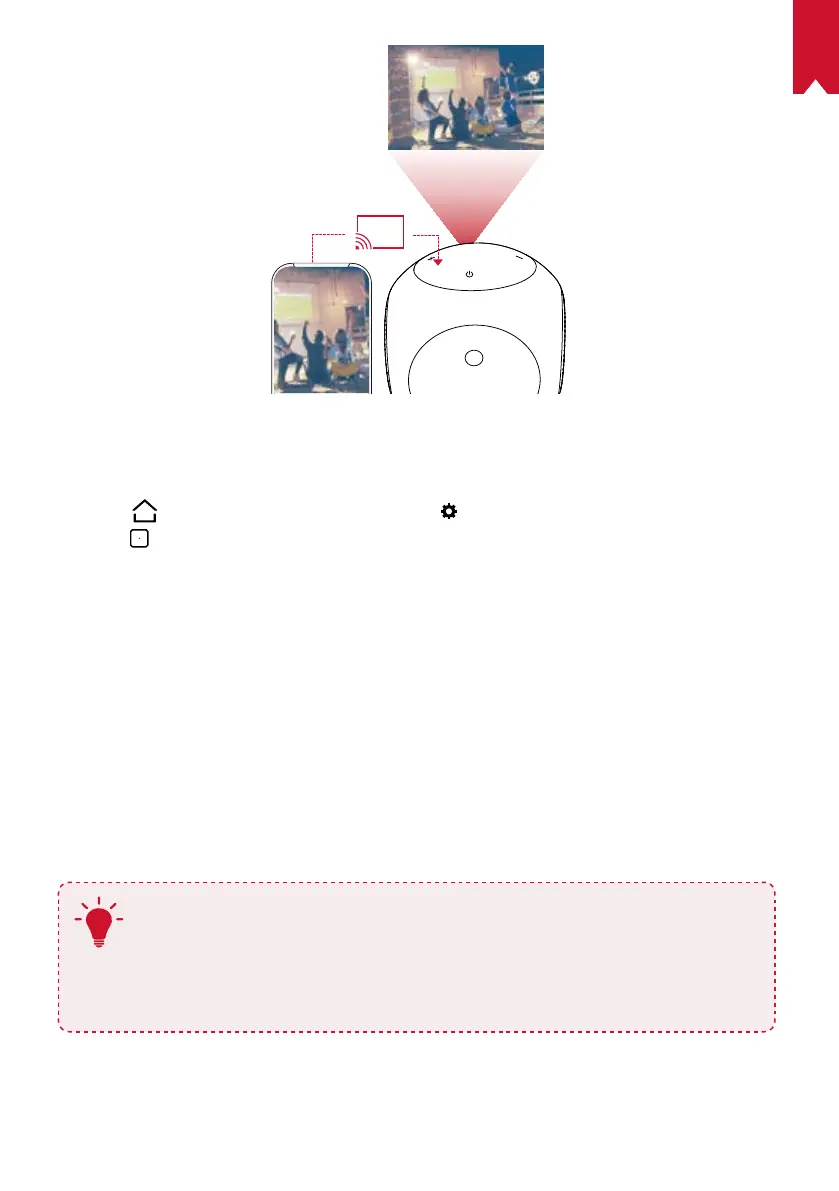
For Android users:
To use screen mirroring:
①
Press
to access the home menu, select > [General] > [Screen Mirroring], and
press
.
②
Follow the on-screen instructions to complete the process.
• Nebula Astro will mirror the screen of your smartphone phone or tablet.
For iOS users:
①
Open Control Center.
• On iPhone X or later or iPad with iOS 12 or later: Swipe down from the upper-right
corner of the screen.
• On iPhone 8 or earlier or iOS 11 or earlier: Swipe up from the bottom edge of any
screen.
②
Tap Screen Mirroring.
③
Select Nebula-xxxxxx from the list. Nebula Astro will mirror the screen of your
iPhone or iPad.
T
• Make sure Nebula Astro and your phone are connected to the same
network.
• Certain content cannot be cast on Nebula Astro due to copyright
restrictions. In this case, you can stream the content via the same app
installed on your Nebula Astro.



 To Next Page