EasyManua.ls Logo

Anker SoundBuds Flow - Connectivity and Controls; Bluetooth Pairing Guide; Device Operation Controls

Anker SoundBuds Flow
22 pages
Print Icon
To Next Page IconTo Next Page
To Previous Page IconTo Previous Page
Loading...
02 English English 03
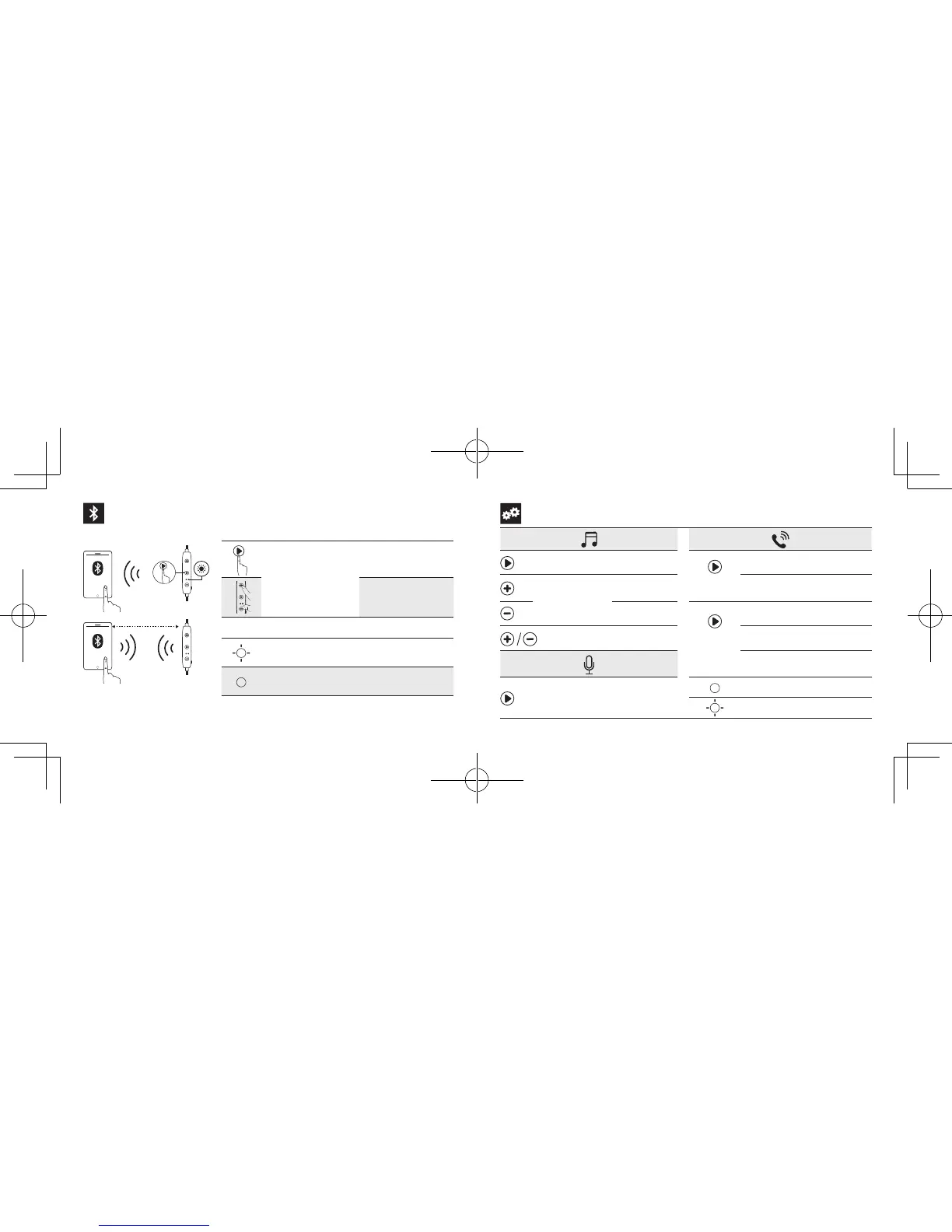
Pairing
ON
SoundBuds Flow
1m
Press and hold for 3
seconds
Enter pairing mode
Un-pair connected
device and re-enter
pairing mode
Rapidly flashing blue Pairing mode
Steady blue Connected to a device
Controls
Press Play / pause
Press
Answer / End call
Press and hold
for 1 second
Next track
Put current call on hold and
answer incoming call
Previous track
Press and
hold for 1
second
Reject call

Press
Volume up /
down
Switch between held call and
active call
Transfer a call between
headphones and mobile phone
Press and hold
for 1 second
Activate Siri
/ other voice
control software
Steady blue On a call
Flashing blue Incoming call

Related product manuals