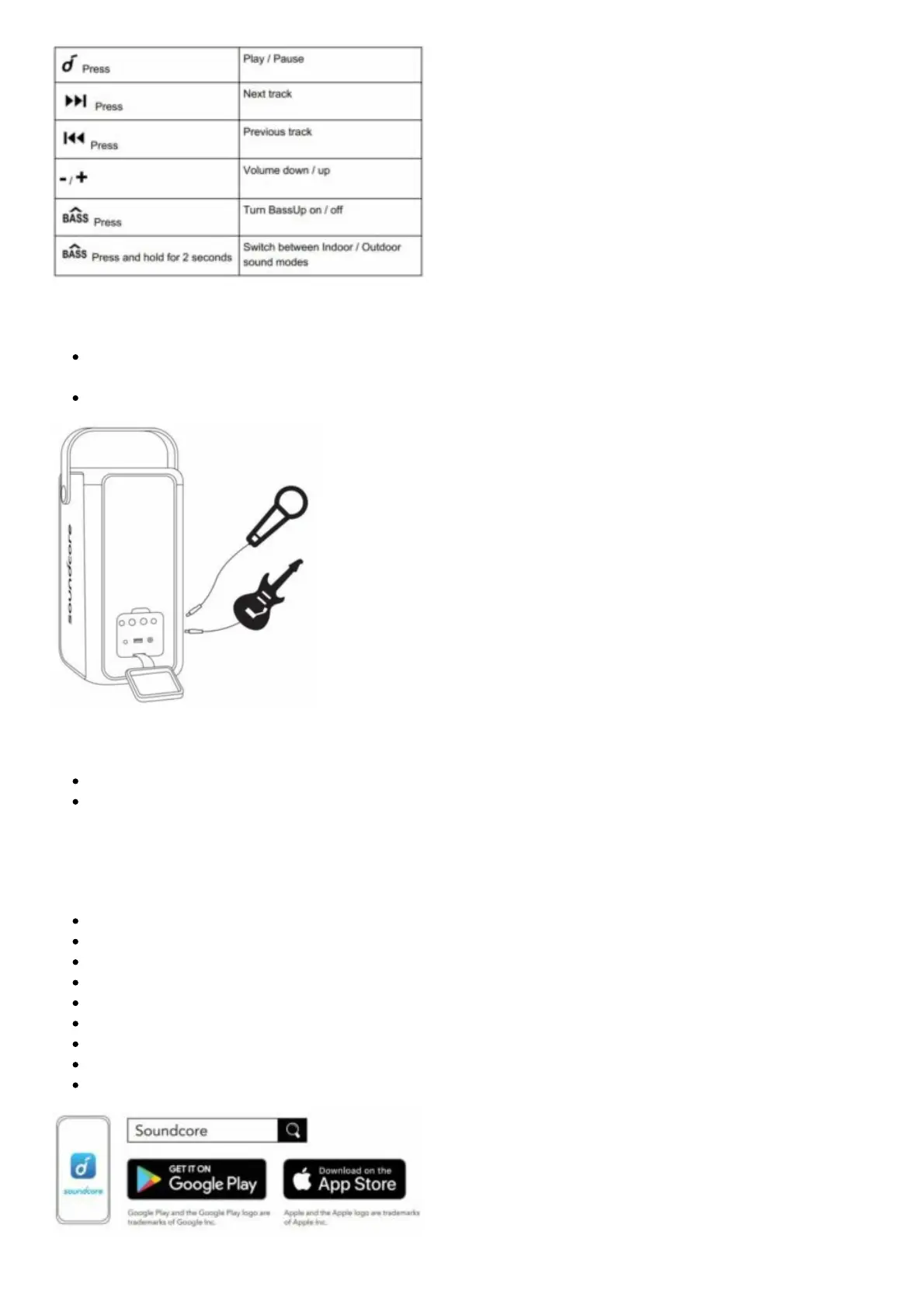
Microphone / Guitar Connection (Only available for A3392)
Connect your microphone / guitar (not provided) to the MIC / GUITAR port on the rear of this
product.
Rotate the microphone / guitar volume knob to adjust the microphone / guitar volume.
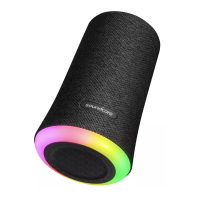
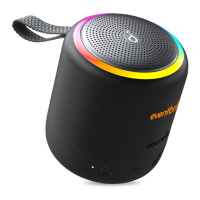
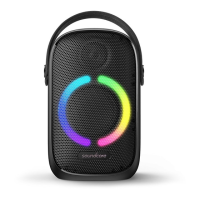
Beat-Driven Light Show
Press to turn on / off or adjust the light show effects.
Check all available light modes in the Soundcore App.
Soundcore App
Download the Soundcore app for an enhanced product experience.
Set up Bluetooth connection
Update firmware
Indicate battery status
Switch among multiple light modes ( Default light scenario is “Party”)
Switch between indoor and outdoor sound modes
Light DJ mode to support light and sound variation
Enjoy party games
Switch BassUP mode
Remotely control the volume and play / pause.



 To Next Page