EN 03 02 EN
o and unplug the keyboard immediately.
• Do not allow the contents of the battery to contact your skin or
eyes. In the event of contact, wash the aected area with large
amounts of water and seek medical attention immediately.
CARE AND STORAGE
Do not store your keyboard in areas of high temperatures (such
as in your car) or high humidity.
• Do not place heavy objects on top of the keyboard.
• Keep the keyboard away from oil, chemicals, and liquids.
• Clean the keyboard with a damp clean cloth.
DISPOSAL
• Do not burn or dispose of your keyboard in a fire or
incinerator.
• Do not throw your keyboard away in the trash. The keyboard
contains a lithium ion battery. Contact your local electronics
recycler to recycle the keyboard.
What’s in the Box
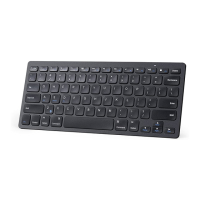
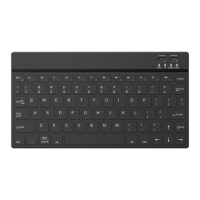
• Anker Rechargeable Wireless Keyboard
• Micro USB Cable
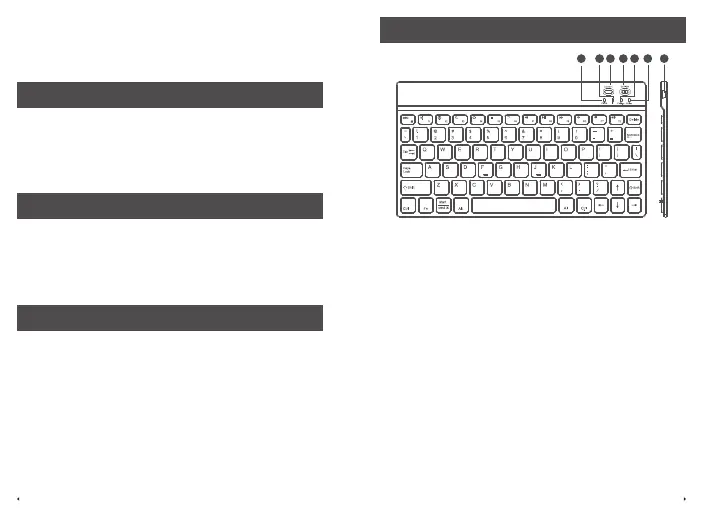
At a Glance
43 652
1
7
1. Caps Lock Indicator
2. Bluetooth Status Indicator
3. Connect Button
4. On/O Slider
5.Charging Indicator
6. Power Indicator
7. USB power charging port



 To Next Page