08 EN
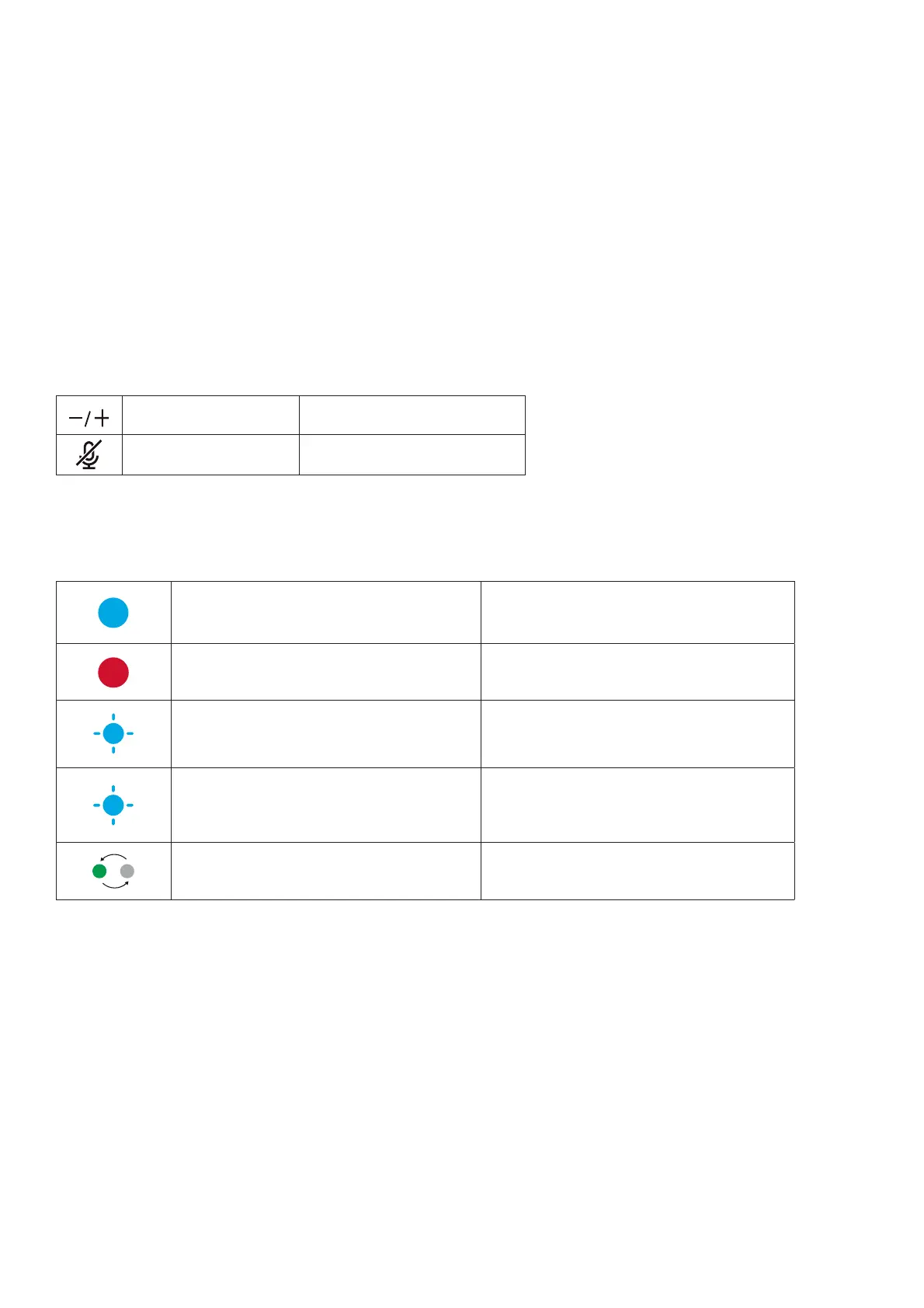
Press Volume up / down
Press once Mute / unmute the microphone
LED Bar
Blue light display length varies with volume. Volume up / down
Steady red Microphone muted
Flashing blue Sound direction detected
Flashing blue for 2 seconds Linked with another speakerphone
Green light sequence Firmware updating


 To Next Page