09 EN
AnkerWork Software
Download the AnkerWork Software from
software.ankerwork.com
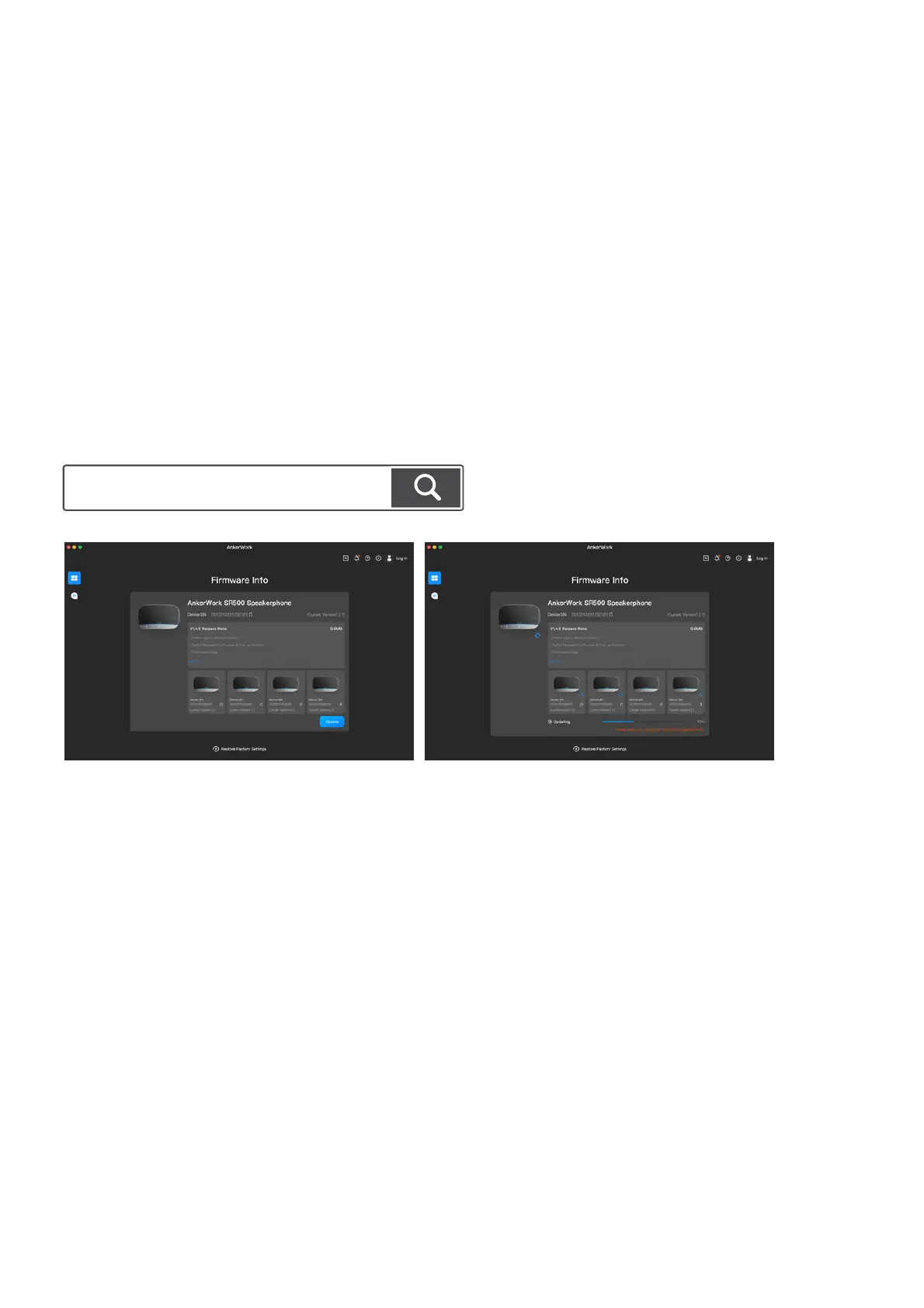
Download and install the AnkerWork software on your computer to update the firmware.
Firmware update: Ensure the speakerphone is powered and connected to your computer until the firmware update is
completed. In linking mode, all other speakerphones will be updated automatically when you update the speakerphone
connected to your computer.


 To Next Page