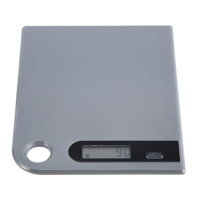
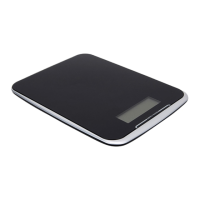
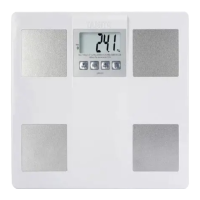
*
When setting g as weight unit, the default volume unit is ml;
*
When setting lb:oz as weight unit, the default volume unit is fl'oz.
•
TO START WEIGHING
1. Weighing mode
A.
Place the scale on a solid and flat
surface.
B.
Place bowl (if used) on the scale
before turning on the scale.
C.
Gently press on the scale by hand
to turn on
D.
Wait until LCD shows "0" to start
weighing. Press
to convert to
weight mode if needed.
E.
Load weighing object on to start
weighing, LCD will show the weight
reading.
F If the weighing object is water or
milk, press
button to choose
volume mode and view the volume
of weighing object.
•
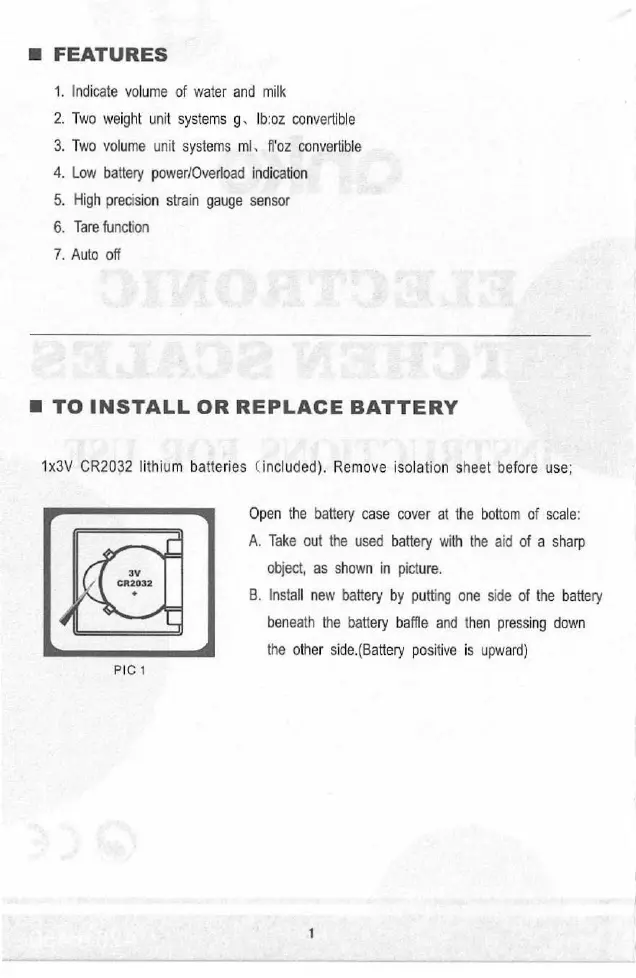
FEATURES
1.
Indicate volume of water and milk
2.
Two weight unit systems g, lb:oz convertible
3.
Two volume unit systems ml, fl'oz convertible
4.
Low battery power/Overload indication
5.
High precision strain gauge sensor
6.
Tare function
7.
Auto off
•
TO INSTALL OR REPLACE BATTERY
1x3V CR2032 lithium batteries (included). Remove isolation sheet before use;
Open the battery case cover at the bottom of scale:
A.
Take out the used battery with the aid of a sharp
object, as shown in picture.
B.
Install new battery by putting one side of the battery
beneath the battery baffle and then pressing down
the other side.(Battery positive is upward)
PIC 1
•
LCD
Zero Weight
Tare Weight
Negative Value
Working modes
(Weight/water/milk)
Weight unit(lb:oz)
Volume unit(fl'oz)
•
BUTTONS ILLUSTRATION
1.Press the button to reset LCD to "OTT"
2.Press it for 3 seconds to choose working mode,press it consecutively
to realize fast conversion
Press the button to convert between Metric and Imperial(Setted at the
bottom for some scales.)
•
WORKING MODES
Press the button
Shortly press
Weight mode
for 3 seconds
w
ater volume mode the button
O
ml
Shortly press
the button
•
TO CONVERT WEIGHT UNIT
If the scale is with both unit systems of Metric (g, ml) or Imperial (lb:oz, fl'oz),
press
button to choose working mode (weight, milk volume, water volume),
then press
button to convert between two systems. Take the conversion of
weight unit for example:
'acl rico n n
0.0 0.0
lb:oz fl'oz ml g
Weight unit(g)
Volume unit(m1)
Milk volume mode
2. Volume indication mode
A.
Place the scale on a solid and flat
surface.
B.
Gently press on the scale by hand
to turn on
C.
Wait until LCD shows "0",and press MODE
button for a while to choose 'Water" or "Milk"
mode.
D.
Put a liquid container onto the
scale platform.
E.
Press
button to reset LCD
to "0".
F.
Pour liquid (water or milk) into the
container, LCD shows the volume
of the liquid.
G.
Press
button to choose
"Weight" mode and view the weight
of liquid.


 To Next Page
 Loading...