EasyManua.ls Logo

anko 42963554 - User Manual

anko 42963554
18 pages
Print Icon
To Next Page IconTo Next Page
Loading...
Please read this instruction manual carefully and keep it for future reference
MODEL: 42963554
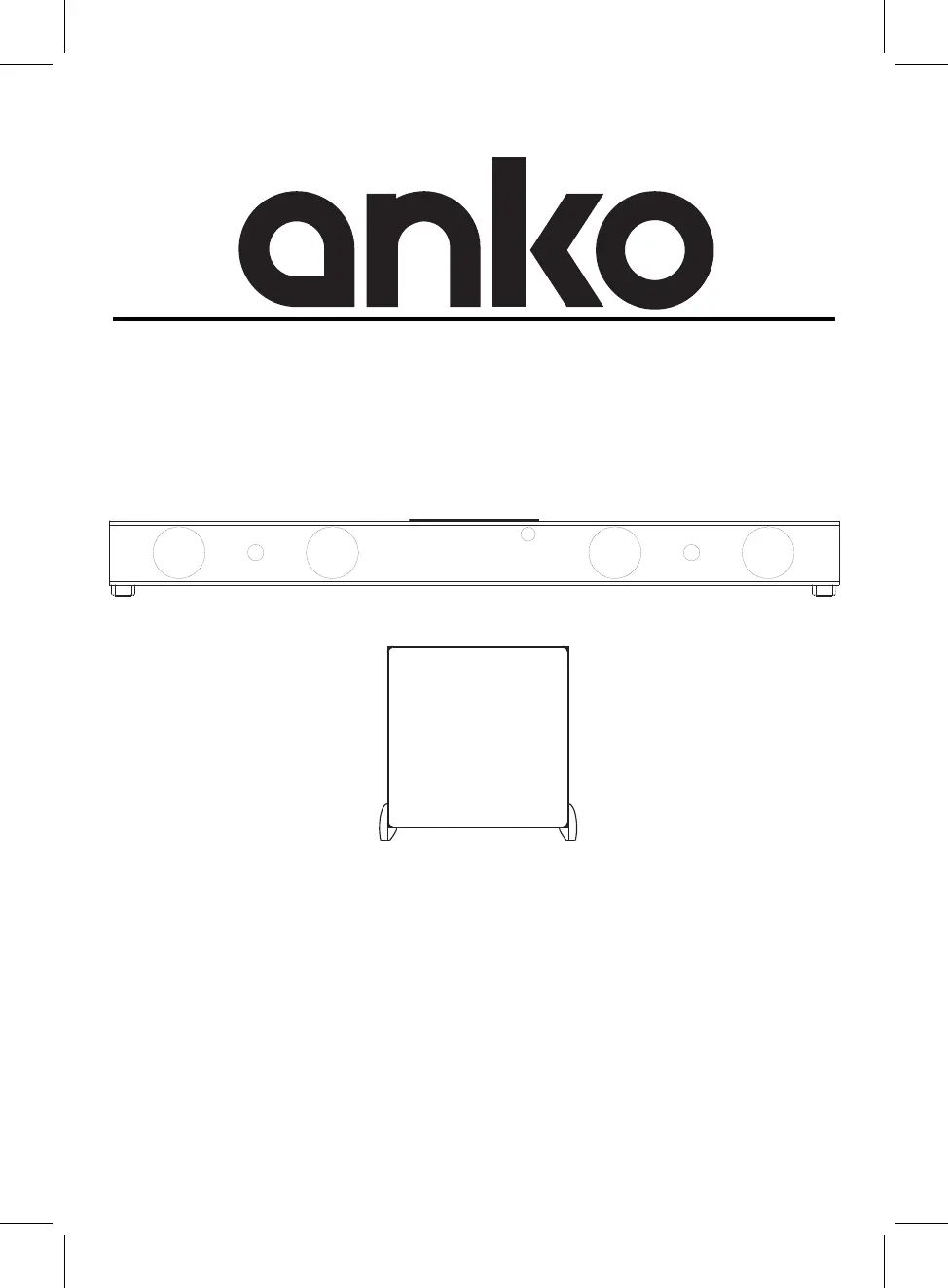
BLUETOOTH SOUNDBAR SPEAKER WITH
EXTERNAL WIRELESS SUBWOOFER

Questions and Answers

  • S
    swallaceAug 4, 2025
    Why is Bluetooth reception failing on my anko 42963554 Speakers?
    • K
      Kevin ReyesAug 4, 2025
      If you're experiencing Bluetooth reception failure with your anko Speakers, try moving the external Bluetooth device closer to the unit. Also, ensure that you have properly paired the unit with the Bluetooth device, following the pairing procedures outlined in this manual.
  • E
    Elizabeth WilliamsAug 8, 2025
    What to do if my anko Speakers have no power?
    • D
      davidgonzalezAug 9, 2025
      If your anko Speakers are not turning on, make sure the adapter is properly connected to both the unit and the wall outlet. Also, check if the unit is in power off mode. If so, press and hold the power/source button on the unit, or press the corresponding button on the remote control to power it on.
  • A
    andrea97Aug 14, 2025
    Why is the remote control for my anko 42963554 not working?
    • M
      michaelvasquezAug 14, 2025
      If the remote control for your anko Speakers isn't working, first ensure that you are pointing it towards the remote sensor on the unit and are within a range of 16 feet, at an angle of +/-30 degrees. If the issue persists, replace the battery with a new one.
  • R
    Richard OwenAug 19, 2025
    How to fix no sound or weak sound from my anko 42963554 Speakers?
    • A
      Alexandra DouglasAug 19, 2025
      If you're experiencing no sound or weak sound from your anko Speakers, first, increase the volume level by pressing the + button on the unit or the remote control. Next, ensure that the paired/connected device is playing audio and that its volume is set to a high level. Lastly, verify that the correct input source is selected by pressing the power/source button repeatedly on the unit or the corresponding button on the remote control.
  • R
    Ricky HernandezAug 25, 2025
    What to do if my anko 42963554 have sound distortion or rattle?
    • O
      oowenAug 25, 2025
      If you are experiencing sound distortion or rattle from your anko Speakers, reduce the volume level by pressing the - button on the top of the unit or the remote control. You should also reduce the volume level of the paired/connected device.
  • J
    Jamie SwansonAug 29, 2025
    What to do if HDMI IN(ARC) is not working on my anko 42963554 Speakers?
    • M
      Megan CraneAug 29, 2025
      If the HDMI IN(ARC) is not working on your anko Speakers, ensure that the HDMI cable is inserted into the correct HDMI ARC channel on your TV. This functionality only works when connected to the HDMI ARC channel. Also, access your TV's setup menu to turn on the CEC control and enable ARC from the setup menu.

Summary

Important Safety Instructions

General Safety Warnings & Symbols

Key warnings and symbols for electrical shock, hazards, and operational safety.

Detailed Safety Precautions

Placement and Mounting

Table Placement and Ventilation

Ensuring adequate space for ventilation when placing the unit and subwoofer on furniture.

Wall Mounting Instructions

Mounting to a Wooden Wall

Step-by-step guide for mounting the soundbar securely onto a wooden wall.

Mounting to a Brick Wall

Instructions for mounting the soundbar to a brick wall using appropriate fixings.

Product Overview

Front View Components

Identification of components visible on the front of the soundbar.

Control Panel Layout

Overview of the soundbar's control panel buttons and indicators.

Rear Panel Connectivity

Details of the ports and connections available on the rear of the soundbar.

Subwoofer Overview

Description of the subwoofer's speaker and indicators.

Remote Control

Button Functions

Detailed description of the functions for each button on the remote control.

Battery Installation and Replacement

Step-by-step guide for inserting and changing the remote control battery.

Battery Precautions and Safety

General Battery Guidelines

Instructions for proper battery usage, polarity, mixing, storage, and disposal.

Specific Battery Warnings

Critical safety information on button cell battery ingestion and explosion risks.

Remote Control Operation Range

General Operation

Power Connection and Subwoofer Pairing

Instructions for connecting power adapters and pairing the soundbar with the subwoofer.

Mode Selection and Indicators

Guide to selecting audio input modes and understanding indicator lights.

General Operation Controls

Playback Adjustments and Sound Modes

Managing volume, mute, and selecting sound effect modes during playback.

Powering Down the Unit

Instructions on how to turn off the soundbar and the subwoofer.

Bluetooth Operation

Bluetooth Device Pairing

Steps to connect the soundbar to external Bluetooth devices for audio playback.

Bluetooth Playback and Disconnection

Controlling playback, skipping tracks, and disconnecting Bluetooth connections.

AUX IN Operation

Connecting External Audio Devices

Procedure for connecting audio players using the AUX IN cable.

Selecting AUX Mode and Playback

Switching to AUX mode and starting audio playback from the connected device.

LINE IN Operation

Connecting Audio;Video Players

Steps for connecting TVs or DVD players using the LINE IN jacks.

Selecting LINE IN Mode and Playback

Switching to LINE IN mode and playing audio from connected sources.

OPTICAL IN Operation

Connecting Optical Audio Devices

Procedure for connecting TVs or players via the OPTICAL IN jack.

Selecting Optical Mode and Playback

Switching to OPTICAL IN mode and configuring audio output.

HDMI IN Operation

Connecting TV via HDMI ARC

Steps for connecting a TV with HDMI ARC to the soundbar using an HDMI cable.

Selecting HDMI Mode and ARC Explanation

Switching to HDMI mode and understanding the ARC functionality.

USB Playback

Connecting and Selecting USB Source

Procedure for connecting USB devices and switching to USB playback mode.

USB Playback Controls

Managing playback, skipping tracks, and pausing/resuming audio from USB.

Troubleshooting

Specifications

Package Contents

Warranty Information

anko 42963554 Specifications

General IconGeneral
Brandanko
Model42963554
CategorySpeakers
LanguageEnglish

Related product manuals