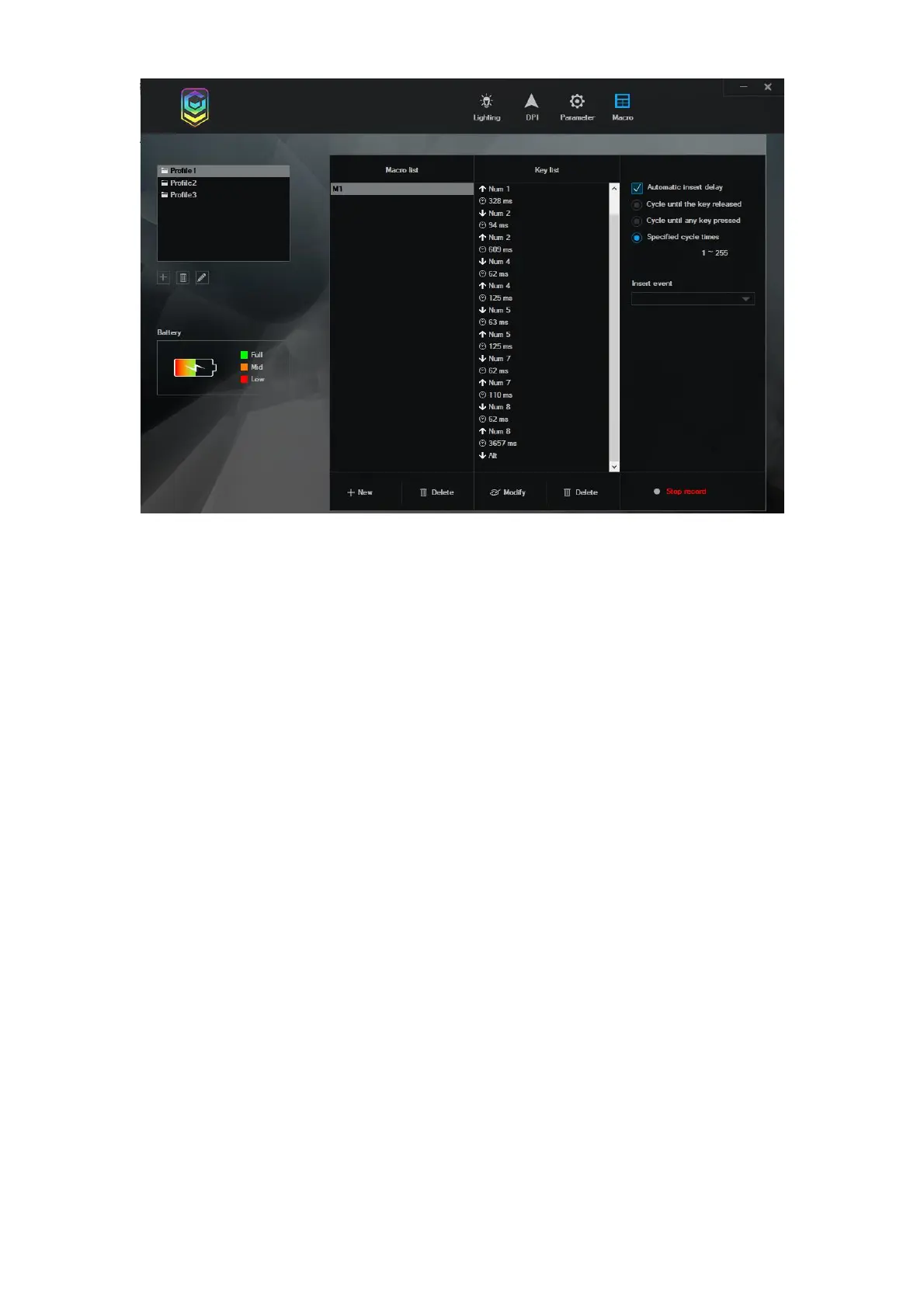
1) After setting, press “APPLY” to save.
2) If you want to restore the setting, when you complete the function setting of the buttons, click
“Restore” on the bottom.
Uninstall
Open the control panel and open the “Add or Remove Programs” Windows , find “43040414 -
2.4G Wireless Rechargeable Gaming Mouse.exe” and click "delete" to complete the uninstall
program.


 To Next Page