CONTROL PANEL
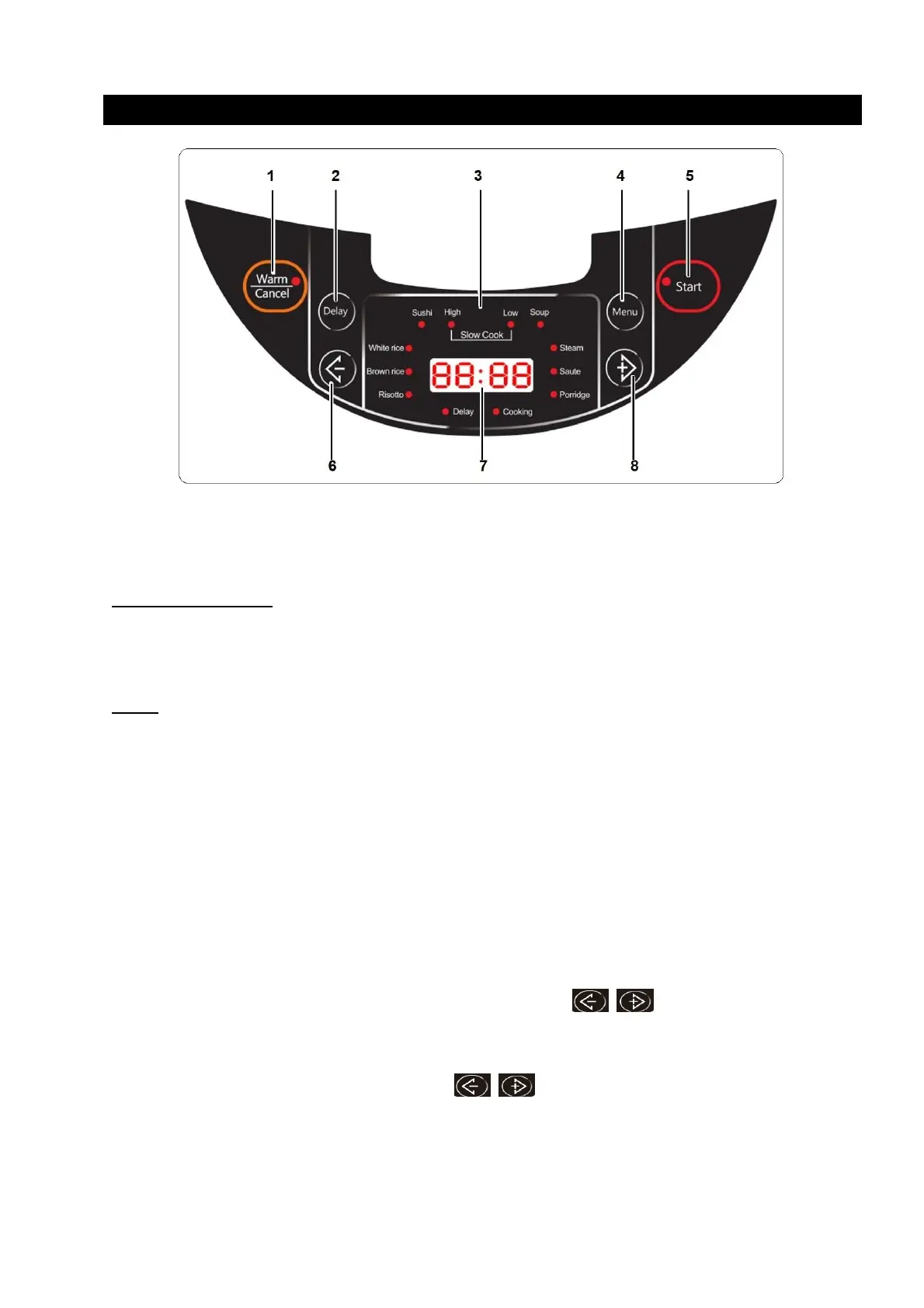
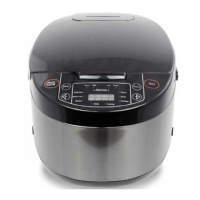
The control panel consists of an LED display and function keys. Use “Menu” to select function
mode. Each mode has an indicator light. Once the function is selected, its indicator light will
illuminate (RED).
KEYS
Start
Use this button to initiate rice cooking and other desired cooking function.
Warm/Cancel
After cooking is done, the rice cooker will automatically activate the keep warm function. To stop
the keep warm function, press the “Warm/Cancel” button to cancel the program and the cooker
will switch to standby mode.
If you want to activate the keep warm function again, press “Warm/Cancel” button. The cooker
can keep the cooked food warm up to 24 hours. However, for the best flavors, the recommended
maximum keep warm time should not be longer than 6 hours.
Delay
Pressing this key once will allow the user to adjust the cooking time. The “Cooking” indicator will
turn on and the user may adjust the cooking time by using buttons. The time setting
range varies for different modes. Please refer to COOKING MODE in Table 1.
This key is also used for preset cooking. Press the key twice, and the “Delay” indicator will turn on
and the user may adjust delay time by using button. To program delayed cooking, first
the desired cooking mode, then select set the timer. The corresponding indicator light will be
turned on and the program will start. (see paragraph “COOKING FUNCTIONS”)
To cancel a “Delay” function, press the “Warm/Cancel” key


 To Next Page