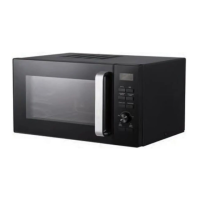
Menu Action Screen
Cooking time, power, action indicators,
and clock time are displayed.
Air Fry
Press to select air fry cooking menus.
Grill
Press to set grill cooking program.
Time/Weight Defrost
Press once to defrost food based on time.
Press twice to defrost food based on weight.
Convection/Combi.
Press to set convection program.
Press to set microwave and convection
combination cooking program.
Power Level
Press to set microwave cooking power levels.
Timer/Clock
Press to set clock time and timer function
Menu/Time
Turn to set time, select food weight or
servings.
Turn to select auto cooking menus.
Stop/Cancel
Press once to temporarily stop cooking or
twice to cancel cooking altogether.
It is also used to set child lock.
Start/+30 sec.
Press to start cooking program.
Simply press it a number of times to set
cooking time and cook immediately at full
power level.


 To Next Page
 Loading...