16
Timer Function
This mode can only be used for Congee, Soup, Steam menu
selection. This allows user to increase or decrease the default
cooking time shown on LCD display.
1.
Congee
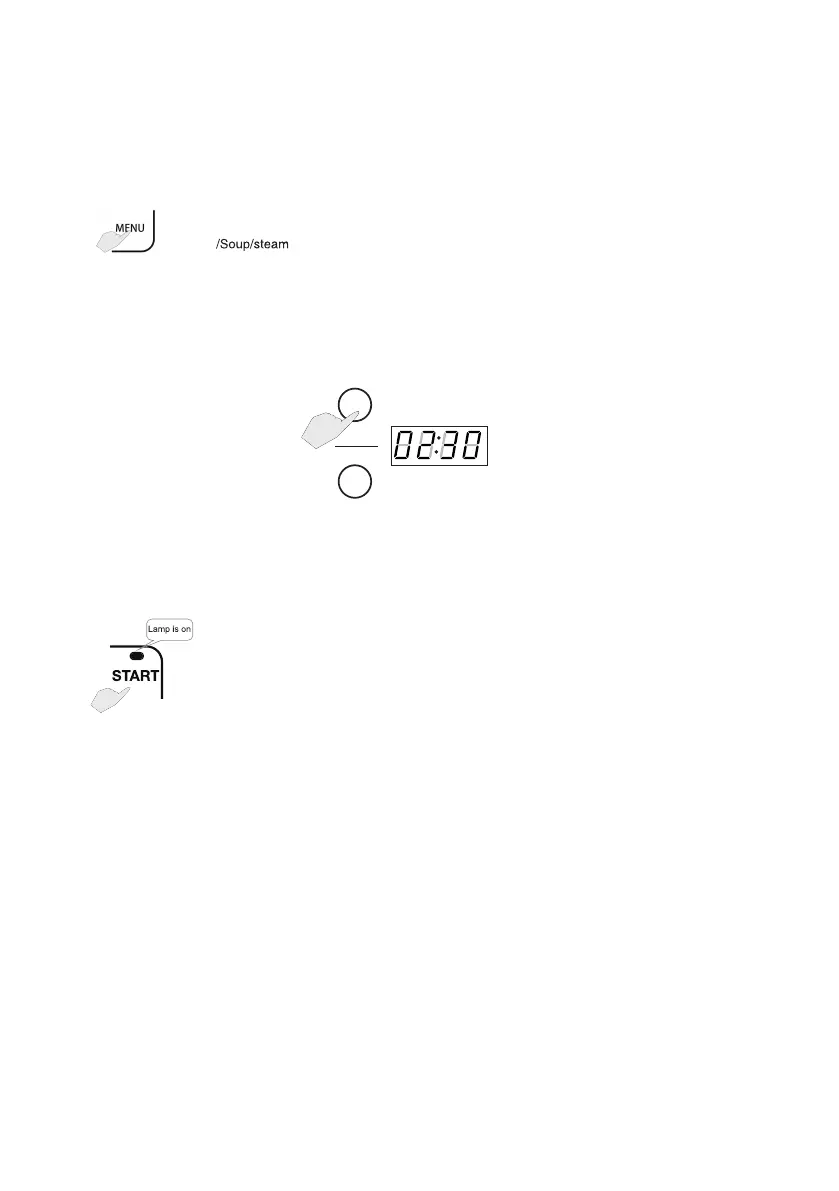
Press MENU button repeatedly to select SOUP, STEAM or
CONGEE which require the Timer function, press the PRESET/
TIMER Button once, the corresponding indicator light flashes.
2. Set cooking time
HOUR
MIN
Press HOUR/MIN button to adjust the Cooking Time.
Cooking time can be adjusted by pressing HOUR button in 1
hour increment or MIN button in 5 minute increments.
3.
Press START button to start cooking with timing function under
SOUP/STEAM/ CONGEE mode.


 To Next Page