17
Keep Warm Function
1. After cooking is finished, the corresponding indicator goes out,
the appliance emits several “beeps” and automatically enters the
KEEP WARM mode.
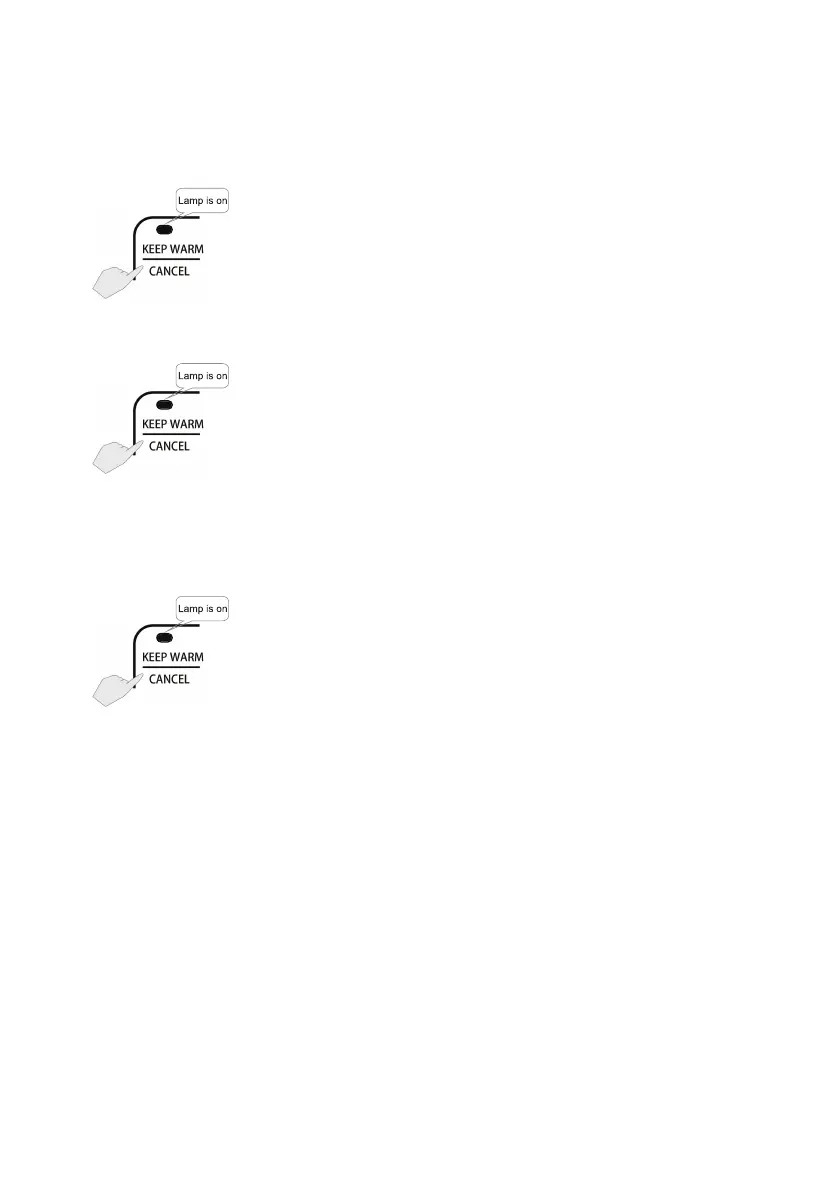
2. To manually activate KEEP WARM mode, simply press the KEEP
WARM/CANCEL button in Standby mode.
3. In KEEP WARM mode, the KEEP WARM indicator will light
up and KEEP WARM time remaining shows on LCD display.
Maximum KEEP WARM time is 24 hours. After KEEP WARM time
has elapsed, the appliance automatically enters Standby mode.
Memory Function
This appliance has a Memory function that will automatically select
the last used cooking process once it is turned on again within 2
hours.
To cancel the Memory function for the next use, press the KEEP
WARM/CANCEL button before unplugging the appliance.


 To Next Page