If your router supports WPS function.You can connect your device to
the Internet via WPS after resetting the device.
(1)Reset the IP camera if you have connected your device to network
(According to Page 4: How to reset)
(2)Press the WPS button on your router
(3)Press the WPS button on the IP camera for at least 3 seconds
within 2 minutes after pressing the button on your router, then the
status light on the camera turns blue and keep on, indicating your IP
camera connected to the network successfully.
(4)Make sure your phone and the device are in the same
network .Open the app
Annke View
, enter Devices—Online
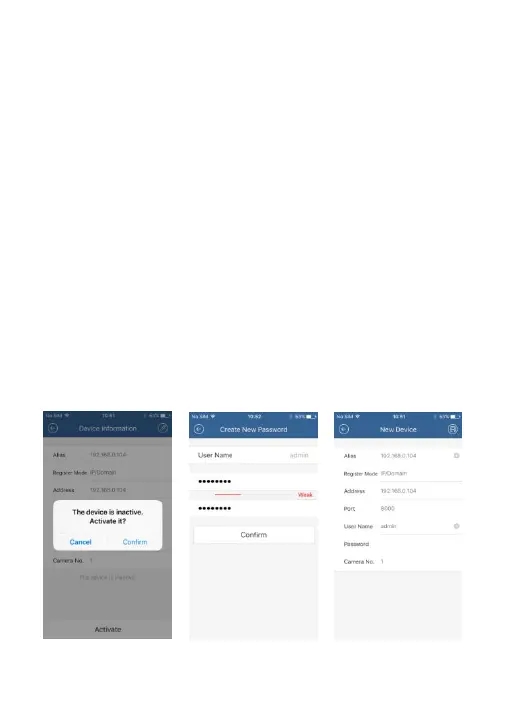
Device.You can see the IP address,noticing “Inactive”,then activate
Activate the Device Create a New Password Add New device



 To Next Page