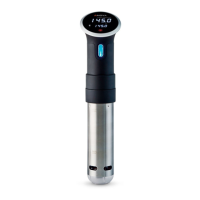
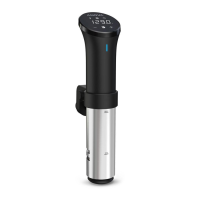
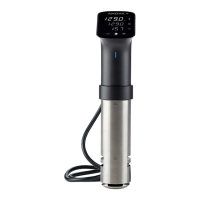
Current Temperature
Target Temperature
Timer
Start/Stop
Temperature/Time Increase
Temperature/Time Decrease
Press the Target Temperature icon on the interface
Press the +/- buttons to increase or decrease
temperature
Press the Timer icon on the interface
Press the +/- buttons to increase or decrease time
Press the Start button
A
Download and open the Anova Culinary App
Choose either an existing guide, recipe, or one of
your own previously saved recipes
Press Start within the app
INTERFACE
KEY + GUIDE


 To Next Page