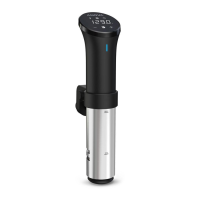
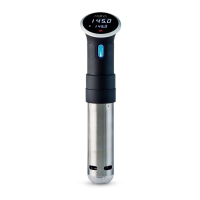
USING THE DISPLAY
• Press the Target Temperature
button
• Press the +/- buttons
• Press the Timer button
• Press the +/- buttons
1
4
5
7
2
3
6
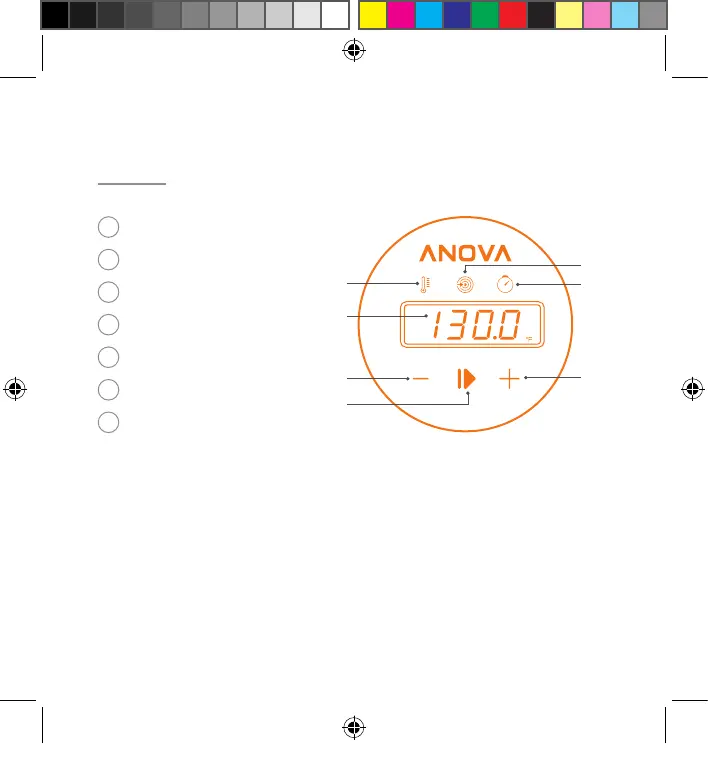
Current Temperature
Target Temperature
Timer
Time/Temp Display
Decrease Time/Temp
Increase Time/Temp
Start/Stop
• Press and hold the Current
Temperature button for 3 seconds
• Press the Start/Stop button
1
2
3
4
5
6
7
2019-06-10_PCPkg_QSG.indd 5 6/20/19 5:03 PM


 To Next Page