1
MT1810A-E-T-1
MT1810A Measurement System Automatic Control
Outline
These reference materials explain the equipment connections
and system setup when performing automatic control of the
MT1810A Measurement System.
Equipment Connections
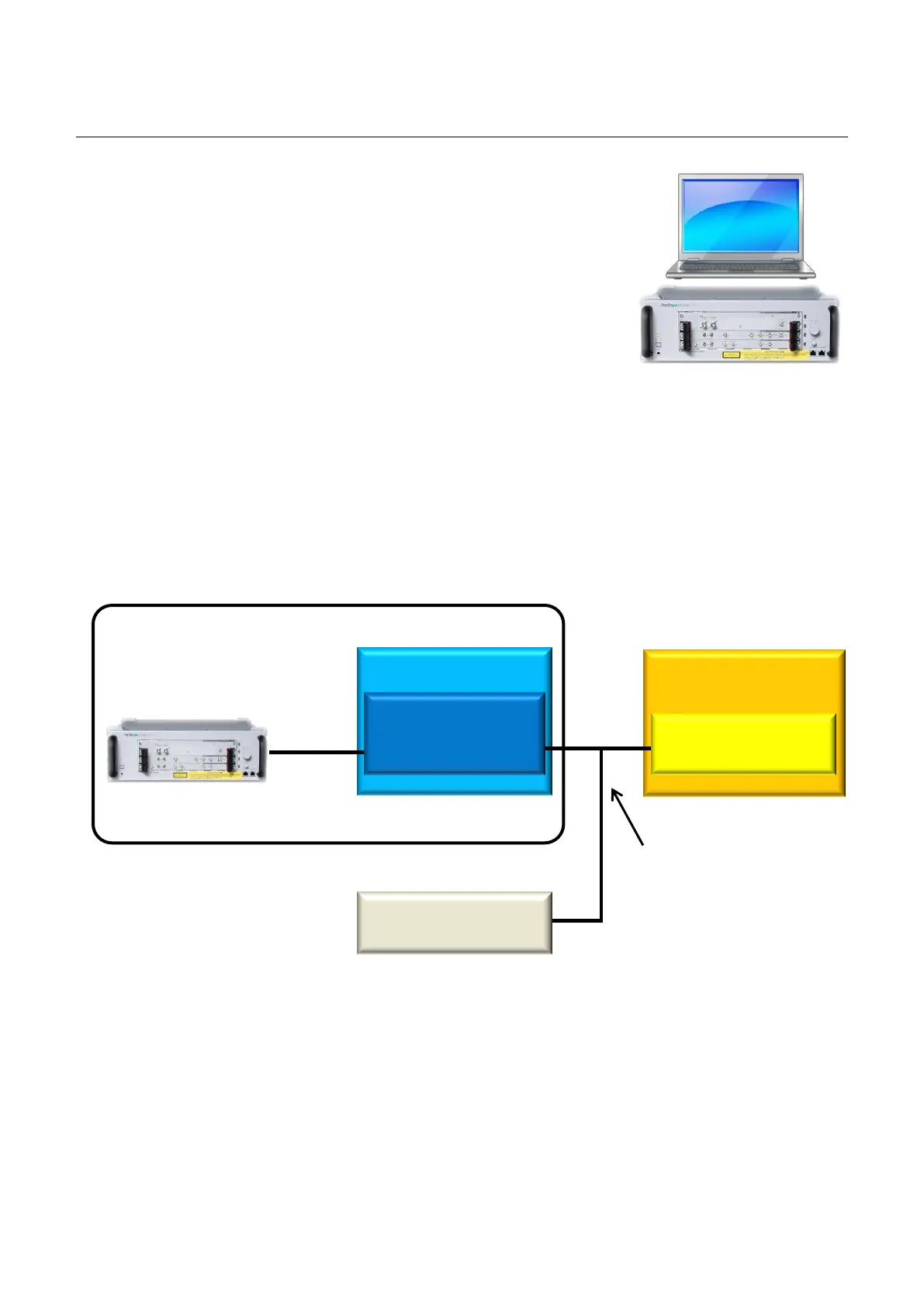
The MT1810A 4 Slot Chassis is controlled over Ethernet using the dedicated MX180000A
Signal Quality Analyzer Control Software installed in the control PC. Consequently, at
automatic control, rather than connecting the user-created automatic control program to the
MT1810A directly, it must be connected via the MX180000A. Control PC and external PC
must have either an Ethernet or GPIB card installed as the interface to control the MT1810A
measurement system automatically. The basic equipment connections are shown below.
Fig. 1 Basic Equipment Connections
MT1810A Measurement System
Control PC
(Windows XP or Windows 7)
MT1810A Measurement System
(GUI, Remote
Automatic Control
Program
or
Other Measurement
Equipment
Automatic Control Interface



 To Next Page