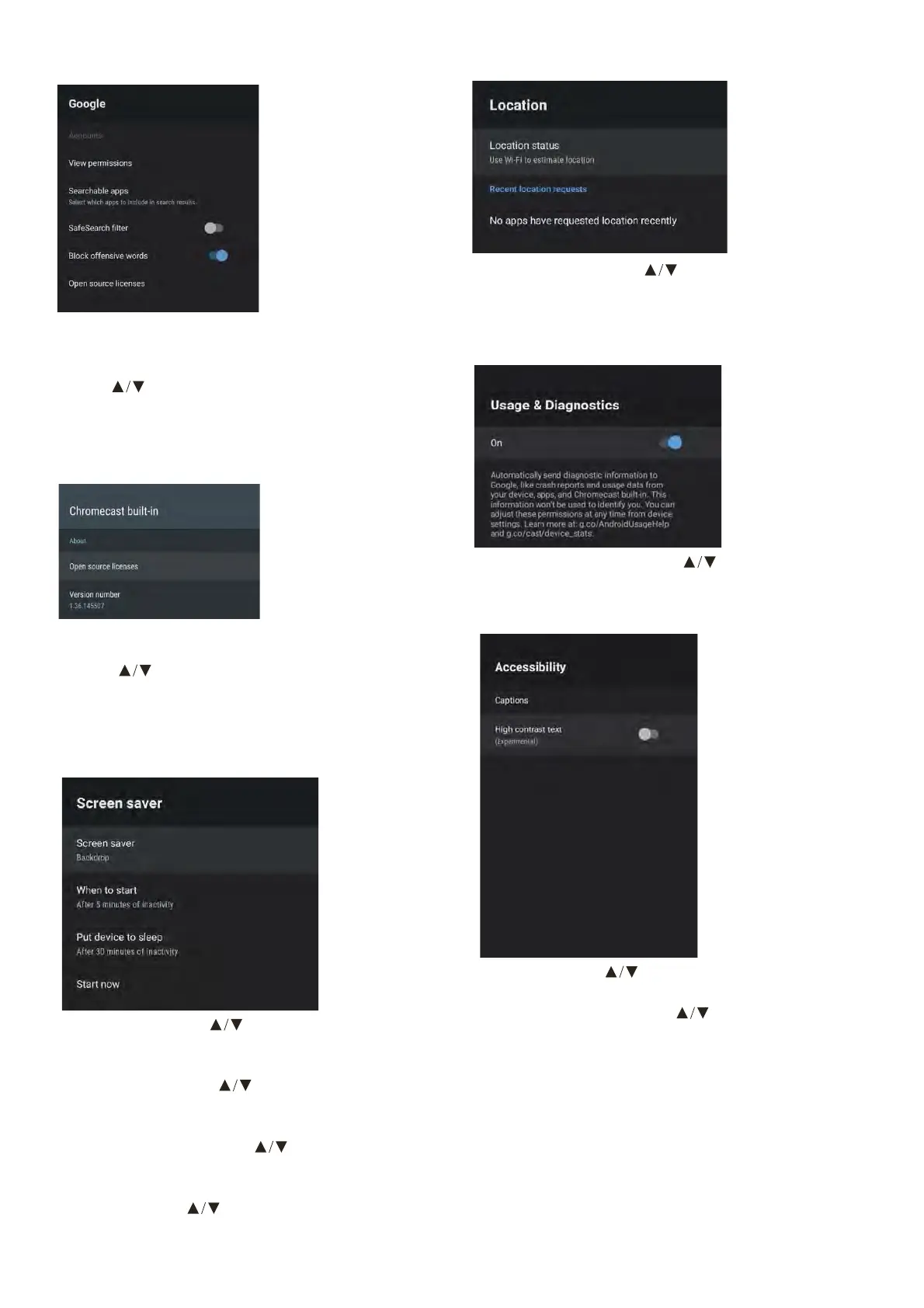
In this menu, you can set searchable apps, safe
search lter, block oensive words, open source
licenses.
1. Press
button to select what you want set.
2. Press OK to adjust.
3. After nishing your adjustment, press BACK
to return to the previous menu.
In this menu, you can read the information and
settings of Chromecast
1. Press
to select what you want set.
2. Press OK to adjust.
3. After nishing your adjustment, press BACK
to return to the previous menu.
CHROMECASTBUILT-IN
GOOGLE
Screen saver – Press to select the option then
press OK to enter the sub-menu.
(Optional: Turn screen o, Backdrop, Colors).
When to Start – Press
to select the
option then press OK to enter the sub-menu.
(Optional: 5, 15, 30 minutes, 1, 2 hours,).
Put device to sleep – Press
to select the
option then press OK to enter the sub-menu.
(Optional: 30 minutes, 1, 3, 6,12 hours, Never).
Start now – Press
to select the option
then press OK to enter screen saver.
SCREEN SAVER
Location status – Press to select the option then
press OK to enter the sub-menu.
(Optical: Use Wi-Fi to estimate location, O)
Usage & diagnostics – Press
to select the option
then press OK to choose ON/OFF.
USAGE & DIAGNOSTICS
LOCATION
Captions – Press button to select the
option then press OK to enter the sub-menu.
High contrast text – Press
button to select the
option then press OK to choose ON/OFF.
RESET
Press OK to enter the sub-menu.
Reset-Erase everything.
ACCESSIBILITY



 To Next Page