SOUND
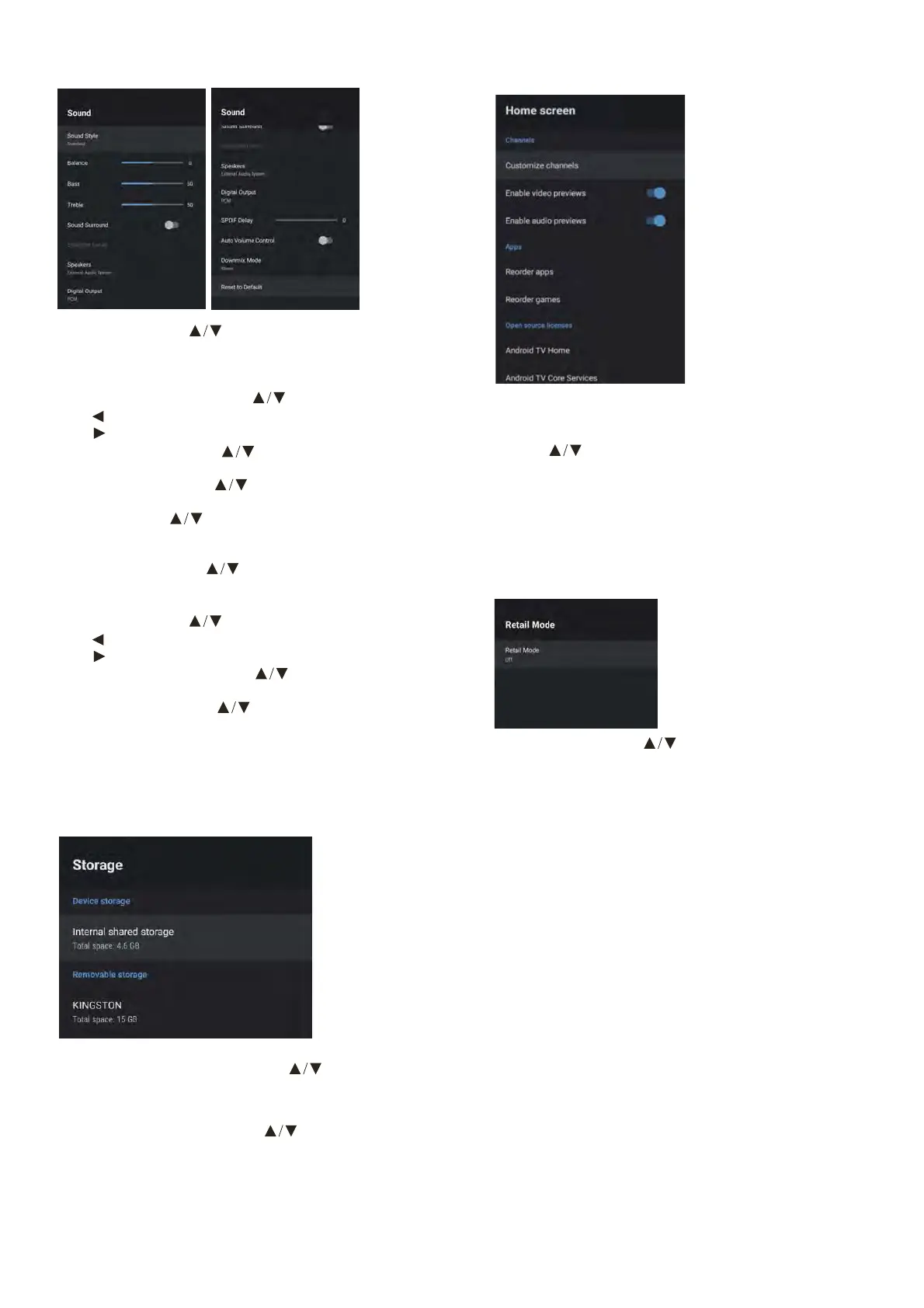
Sound style – Press button to select the option then
press OK button to enter the sub-menu.
(Optional: User, Standard,Vivid,Sports,Movie,Music,
News).
Balance/ Bass/ Treble – Press button to select the option.
Press to decrease the parameter.
Press to increase the parameter.
Sound Surround – Press button to select the option
then press OK button to choose ON/OFF.
Equalizer Detail – Press button to select the option
then press OK button to enter the sub-menu.
Speakers – Press button to select the option then
press OK button to enter the sub-menu.
(Optional: TV Speaker or external Audio System).
Digital Output – Press button to select the option
then press OK button to enter the sub-menu.
(Optional:Auto,Bypass,PCM ,Dolby Digital Plus,Dolby Digital).
SPDIF Delay – Press button to select the option.
Press to decrease the parameter.
Press to increase the parameter.
Auto Volume Control – Press button to select the
option then press OK button to choose ON/OFF.
Downmix Mode – Press button to select the option
then press OK button to enter the sub-menu.
(Optional:Stereo,Surround).
Reset to Default – Reset all settings to the factory defaults.
STORAGE
Internal shared storage - Press button to
select the option then press OK button to enter
the sub-menu.
Removable Storage – Press
button to select
the option then press OK button to enter the sub-menu.
(Note: Show external devices if available).
HOME SCREEN
In this menu, you can set channels, apps, open source
licenses.
1. Press
button to select what you want set.
2. Press OK button to adjust.
3. After nishing your adjustment, Press BACK button
return to the previous menu.
STORE MODE
Retail mode – Press button to select the
option then press OK button to choose ON/OFF.



 To Next Page