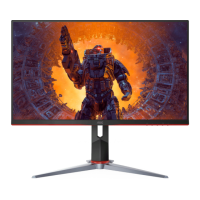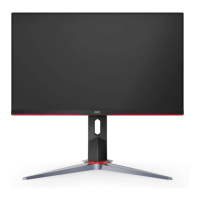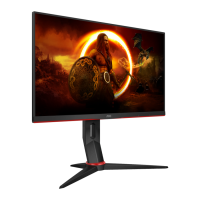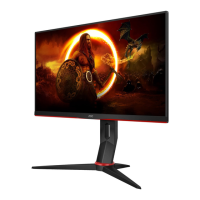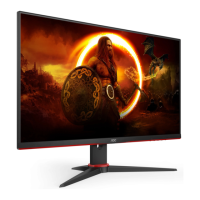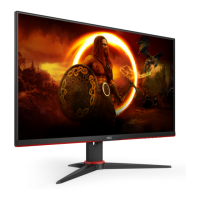
 Need help?
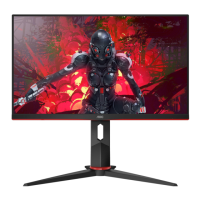
Do you have a question about the AOC 24G2SU and is the answer not in the manual?
Describes notational conventions like notes, cautions, and warnings.
Instructions and warnings related to the monitor's power source and usage.
Guidelines for placing the monitor on a stable surface or wall mount.
Recommended spacing for adequate air circulation to prevent overheating.
How to clean the monitor cabinet and screen safely using appropriate materials.
Actions to take if the product emits unusual smell, sound, or smoke.
Warnings against blocking vents or operating in high vibration/impact conditions.
Lists the items included in the monitor package.
Instructions for assembling and attaching the monitor stand and base.
How to tilt the monitor for optimal viewing and precautions against screen damage.
Details on connecting the monitor to a PC, including cable ports and connection steps.
Instructions for attaching the monitor to a wall mount using an optional arm.
Information on the Adaptive-Sync function and compatible graphics cards.
Explanation of the monitor's control buttons and their functions.
Guide to navigating and using the On-Screen Display (OSD) menu.
Adjusting brightness, contrast, and gamma settings via the OSD.
Settings for clock, phase, sharpness, and picture position.
Options for adjusting color temperature, DCB mode, and RGB gains.
Features for bright frame, frame size, brightness, and contrast adjustments.
Configuration of OSD language, timeout, DP capability, and USB settings.
Adjustments for game modes, shadow control, overdrive, and MBR.
Options for input select, auto config, off timer, image ratio, and reset.
How to exit the OSD menu.
Explains the status and color of the monitor's LED indicator light.
Solutions for power LED not on and no images on the screen.
Addresses fuzzy pictures, ghosting, flickering, and color defects.
Solutions for stuck modes, color missing, centering, and disturbances.
Detailed technical specifications of the monitor.
Lists supported resolutions and their corresponding frequencies.
Details the pin configurations for display signal cables (HDMI, DP, VGA).
Explains VESA DDC2B capabilities for monitor identity and capabilities communication.

 To Next Page
 General