24
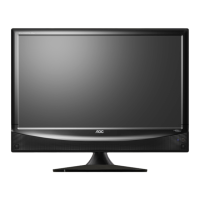
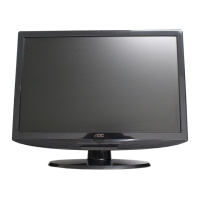
CONTROL KNOBS
1,2: + / - Key : Press to confirm your function selection and adjustment.
3,4: Up / Down Key : Press to perform select function and channel.
5: MENU Key : Press to show the OSD menu and exit OSD menu.
6: Source Key : Press to select your input source.
7: Power Key : Press to turn on or off the TV.
There is a wide range of video and audio equipment that can be connected to
your TV. The following connection diagrams show you how to connect them.
CONNECT PERIPHERAL EQUIPMENT



 To Next Page
 Loading...