EasyManua.ls Logo

AOC LE46D7840 - User Manual

AOC LE46D7840
29 pages
Print Icon
To Next Page IconTo Next Page
Loading...
1
English
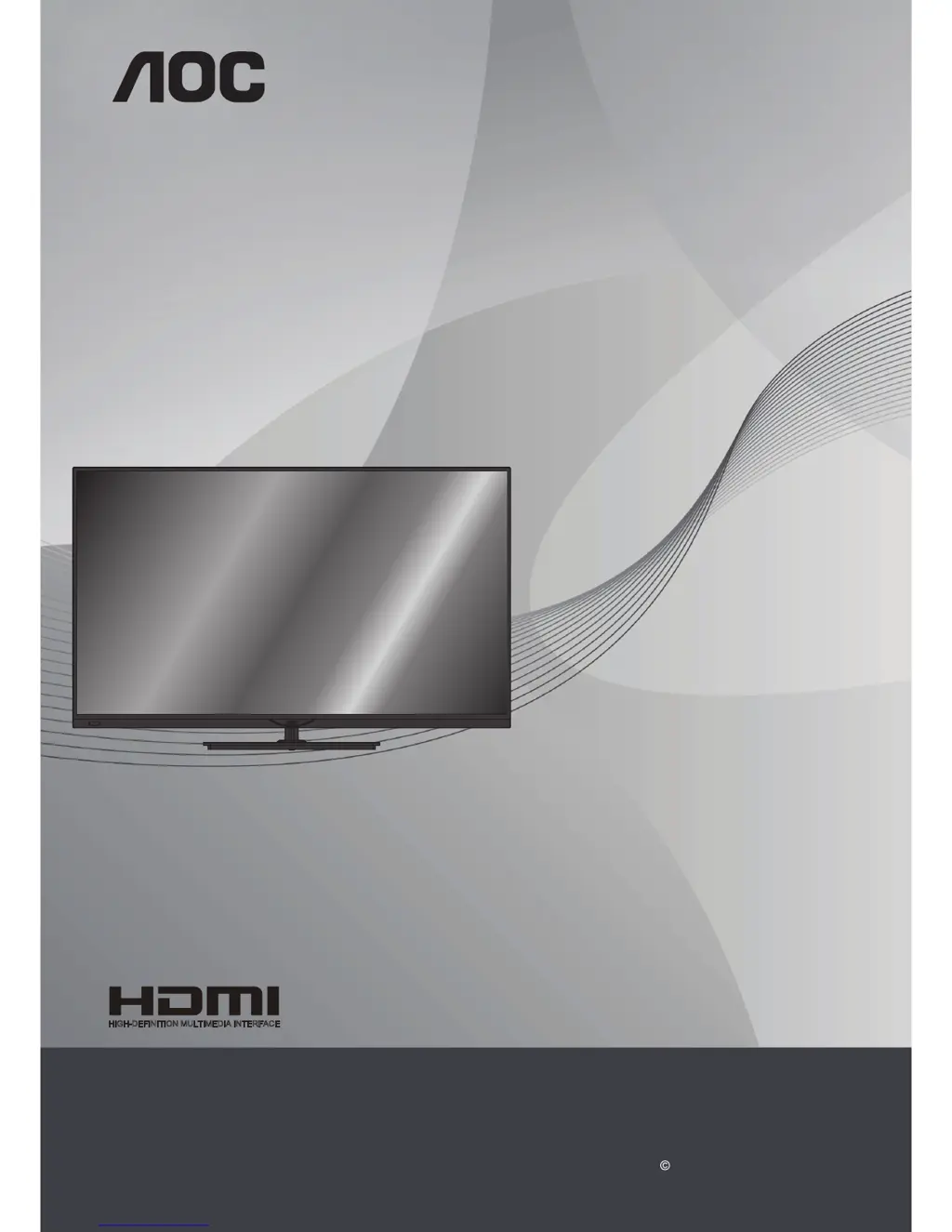
LCD TV with LED backlight
User Manual
LE46D7840
LE50D7840
www.aoc.com
2013 AOC. All Rights Reserved.
HIGH-DEFINITION MULTIMEDIA INTERFACE
TM

Table of Contents

Questions and Answers

  • Y
    youngjasonSep 9, 2025
    How to remove dotted lines or stripes from my AOC LE46D7840 screen?
    • M
      melissacollinsSep 9, 2025
      If you see dotted lines or stripes on your AOC LCD TV, keep the TV away from noise sources like cars, motorcycles, or hair dryers. If you're using 300 ohm twin lead, move the excess lead away from the TV or try using 75 ohm coaxial cable instead.
  • G
    goodmanhenrySep 7, 2025
    Why does my AOC LE46D7840 only show snow and noise?
    • E
      Elizabeth JonesSep 7, 2025
      If your AOC LCD TV screen only shows snow and noise, check if the antenna is broken or bent. Also, consider that the antenna may have reached the end of its serviceable life (3-5 years under normal use, 1-2 years at the seaside).
  • C
    Candace FieldsAug 22, 2025
    What to do if my AOC LE46D7840 LCD TV has good picture but no sound?
    • I
      Ian EnglishAug 22, 2025
      If your AOC LCD TV shows a good picture but has no sound, first check the volume control and make sure it's not muted. For HDMI connections, ensure the connected device's audio output is set to PCM (32, 44.1, and 48 kHz are supported). Also, verify that the TV speakers are selected in the settings.
  • J
    Jessica McgrathSep 5, 2025
    Why is the image quality on my AOC LCD TV not as good as in store?
    • B
      brandonwalkerSep 5, 2025
      If the image quality on your AOC LCD TV isn't as good as what you saw in the store, remember that picture quality depends on the signal content. Refer to the Quick Start Guide for tips on displaying the best possible picture for that signal.
  • C
    Christina McneilSep 4, 2025
    How to stop picture format from changing on my AOC LE46D7840 LCD TV?
    • A
      Aaron CollinsSep 4, 2025
      If the picture format on your AOC LCD TV keeps changing when switching between channels, adjust the picture format settings and select a different picture format instead of Auto format.
  • M
    Michael GonzalezSep 2, 2025
    Why is there no picture from some video sources on my AOC LCD TV?
    • T
      Terry PerezSep 3, 2025
      If your AOC LCD TV displays no picture from some video sources, check the connections between the video equipment and the TV. Press SOURCE on the remote, select your desired input from the SOURCE menu, and ensure the external devices are properly connected.
  • B
    Brandi HoodSep 1, 2025
    What to do if I cannot receive or select channels on my AOC LE46D7840 LCD TV?
    • G
      glambertSep 1, 2025
      If you cannot receive or select channels on your AOC LCD TV, perform Auto Program to add receivable channels to the TV's memory. To receive or select cable channels, ensure that Cable is set to On in the Channel settings. For UHF channels via antenna, ensure Cable is set to Off.
  • G
    gregory97Aug 31, 2025
    Why doesn't my AOC LE46D7840 LCD TV save the picture setting?
    • D
      Darin LewisAug 31, 2025
      If your AOC LCD TV fails to save the picture settings, set the Location to Home. You can do this by pressing Home on the TV remote, selecting Setup > TV settings > General settings > Location, and then selecting Home. Picture settings can be saved in this mode.
  • J
    juliaowensAug 30, 2025
    What to do if my AOC LE46D7840 is locked to one channel?
    • S
      Sally CobbAug 30, 2025
      If your AOC LCD TV is locked to one channel, perform Auto Program to add receivable channels that are not currently stored in the TV's memory.
  • M
    Michelle WhitakerAug 29, 2025
    Why does my AOC LE46D7840 LCD TV keep turning off?
    • J
      James CastanedaAug 29, 2025
      If your AOC LCD TV is turning off unexpectedly, check if the Sleep Timer is activated, or confirm the duration setting of the timer. Also, check the PC Power Management settings in General Settings.

Summary

Important Information

Warning

Alerts users to potential hazards and risks of electric shock.

Electric Shock

Details precautions to avoid electric shock from wet hands or power cords.

Caution

Highlights precautions to prevent electric shock and potential injury.

Lightning Storms

Advises unplugging the TV during storms to prevent surge damage.

Important Safety Instructions

Provides essential guidelines for safe operation and handling of the TV.

Setup

TV Settings

Accesses picture, 3D, sound, and general settings for TV customization.

Sound Menu

Adjust audio settings, sound styles, and output formats for optimal sound.

General Settings

Manage system settings like language, clock, sleep timer, and input configurations.

Picture Menu

Provides detailed options for adjusting picture quality like style, contrast, and sharpness.

3 D Menu

Configure 3D display settings and effects for an immersive viewing experience.

Usage Instructions

Installation

Provides guidance on TV placement, wall-mounting, and stand attachment.

LCD;LED Screen

Explains characteristics of the LCD/LED screen and potential phenomena.

AC Power Cable

Details proper handling and connection of the AC power cord.

Carrying the TV

Provides guidelines for safely carrying the TV to prevent injury.

Controls & Connections

TV Installation

Wall-Mounting

Details the process and precautions for mounting the TV on a wall.

Connecting TV

Using AOC TV

First Adjustments

Guides initial setup, including language selection and channel installation.

Smart TV Setup

Guides connecting to the home network and configuring Smart TV features.

Recordings

Schedule a Recording

Instructions for recording current programs or scheduling future recordings.

Troubleshooting

No Picture or Poor Picture

Provides solutions for common picture display issues like no image, poor quality, or ghosts.

No Sound or Noisy Sound

Offers troubleshooting steps for audio problems, including no sound or noisy audio.

Dimensions & Specifications

Model Specifications

Lists technical details for LE46D7840 and LE50D7840 models.

AOC LE46D7840 Specifications

General IconGeneral
BrandAOC
ModelLE46D7840
CategoryLCD TV
LanguageEnglish

Related product manuals