EasyManua.ls Logo

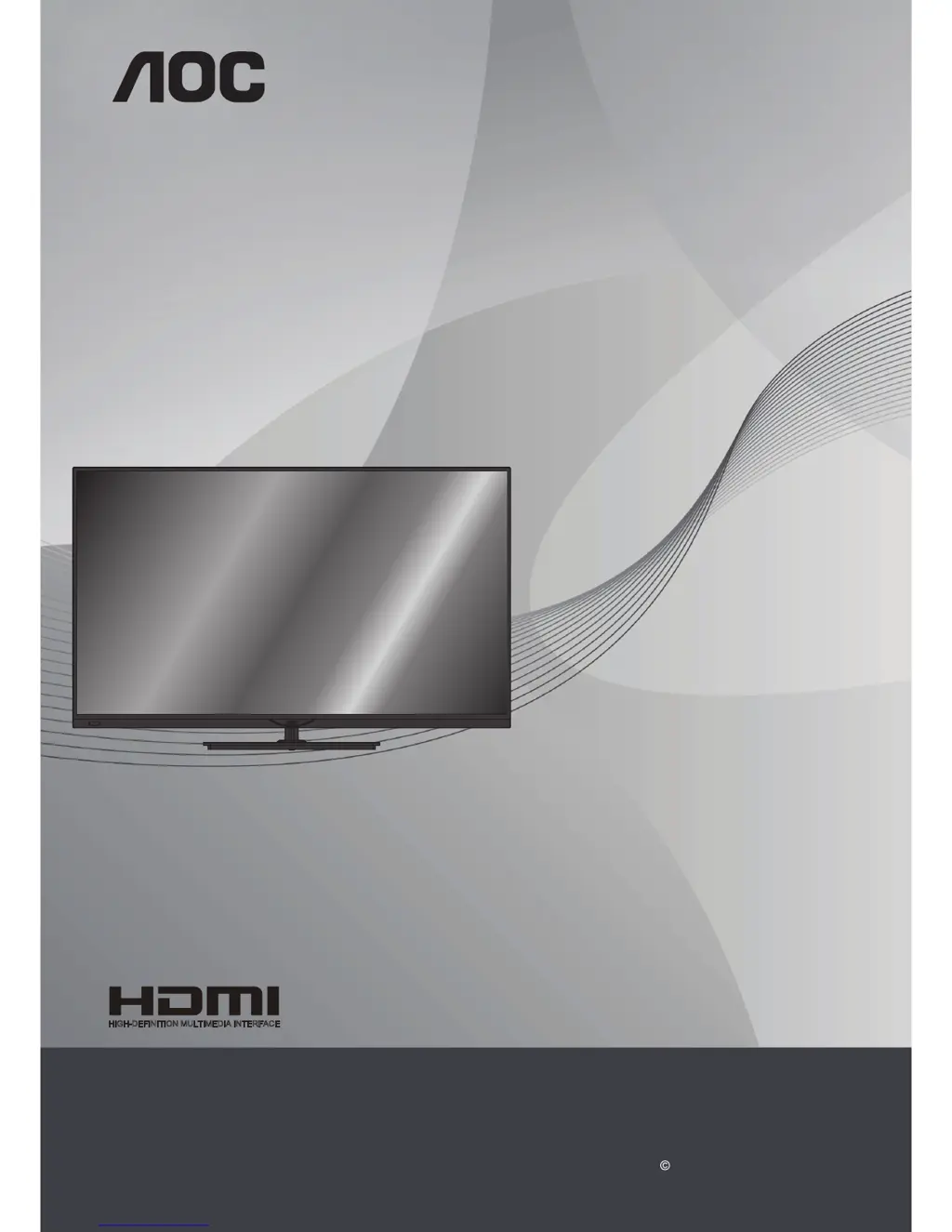
AOC LE46D7840 - User Manual

AOC LE46D7840
29 pages
Print Icon
To Next Page IconTo Next Page
Loading...
1
English
LCD TV with LED backlight
User Manual
LE46D7840
LE50D7840
www.aoc.com
2013 AOC. All Rights Reserved.
HIGH-DEFINITION MULTIMEDIA INTERFACE
TM

Table of Contents

Questions and Answers

  • O
    obeardAug 27, 2025
    Why is my AOC LE46D7840 LCD TV picture noisy and how to fix it?
    • W
      watsondonaldAug 27, 2025
      To resolve a noisy picture on your AOC LCD TV, ensure the antenna is connected using a 75-ohm coaxial cable. Keep the antenna cable away from other connecting cords and use an undamaged antenna cable to avoid interference.
  • R
    Rachel JohnsonAug 27, 2025
    How to fix AOC LE46D7840 that cannot receive any channels?
    • J
      Jennifer VaughnAug 27, 2025
      If your AOC LCD TV is not receiving any channels, ensure the power cord is securely connected and the TV is turned on. Check the antenna or cable connections. Also, make sure the Cable setting is correctly configured for your TV signal source.
  • C
    charlescolemanAug 25, 2025
    How to fix poor TV reception on my AOC LE46D7840?
    • D
      Dylan CarrollAug 26, 2025
      To address poor TV reception on your AOC LCD TV, try removing large speakers, unearthed audio devices, neon lights, and other large objects that might be affecting the reception quality. You can also try adjusting the antenna direction. If the problem continues, contact a local technician for assistance.
  • D
    David OwensAug 25, 2025
    Why does my AOC LE46D7840 remote control not operate?
    • D
      David ChangAug 25, 2025
      If your AOC LCD TV remote control isn't working, check the batteries to make sure they are correctly inserted or try replacing them. Point the remote directly at the sensor on the front of the TV, and make sure there are no obstacles blocking the sensor. Fluorescent lights can also interfere with the remote, so try turning them off.

Summary

Important Information

Warning

Alerts users to potential hazards and risks of electric shock.

Electric Shock

Details precautions to avoid electric shock from wet hands or power cords.

Caution

Highlights precautions to prevent electric shock and potential injury.

Lightning Storms

Advises unplugging the TV during storms to prevent surge damage.

Important Safety Instructions

Provides essential guidelines for safe operation and handling of the TV.

Setup

TV Settings

Accesses picture, 3D, sound, and general settings for TV customization.

Sound Menu

Adjust audio settings, sound styles, and output formats for optimal sound.

General Settings

Manage system settings like language, clock, sleep timer, and input configurations.

Picture Menu

Provides detailed options for adjusting picture quality like style, contrast, and sharpness.

3 D Menu

Configure 3D display settings and effects for an immersive viewing experience.

Usage Instructions

Installation

Provides guidance on TV placement, wall-mounting, and stand attachment.

LCD;LED Screen

Explains characteristics of the LCD/LED screen and potential phenomena.

AC Power Cable

Details proper handling and connection of the AC power cord.

Carrying the TV

Provides guidelines for safely carrying the TV to prevent injury.

Controls & Connections

TV Installation

Wall-Mounting

Details the process and precautions for mounting the TV on a wall.

Connecting TV

Using AOC TV

First Adjustments

Guides initial setup, including language selection and channel installation.

Smart TV Setup

Guides connecting to the home network and configuring Smart TV features.

Recordings

Schedule a Recording

Instructions for recording current programs or scheduling future recordings.

Troubleshooting

No Picture or Poor Picture

Provides solutions for common picture display issues like no image, poor quality, or ghosts.

No Sound or Noisy Sound

Offers troubleshooting steps for audio problems, including no sound or noisy audio.

Dimensions & Specifications

Model Specifications

Lists technical details for LE46D7840 and LE50D7840 models.

AOC LE46D7840 Specifications

General IconGeneral
BrandAOC
ModelLE46D7840
CategoryLCD TV
LanguageEnglish

Related product manuals