15
The button of Type 1
The button of Type 2
The button of Type 3-1
1
Adjusting the Setings
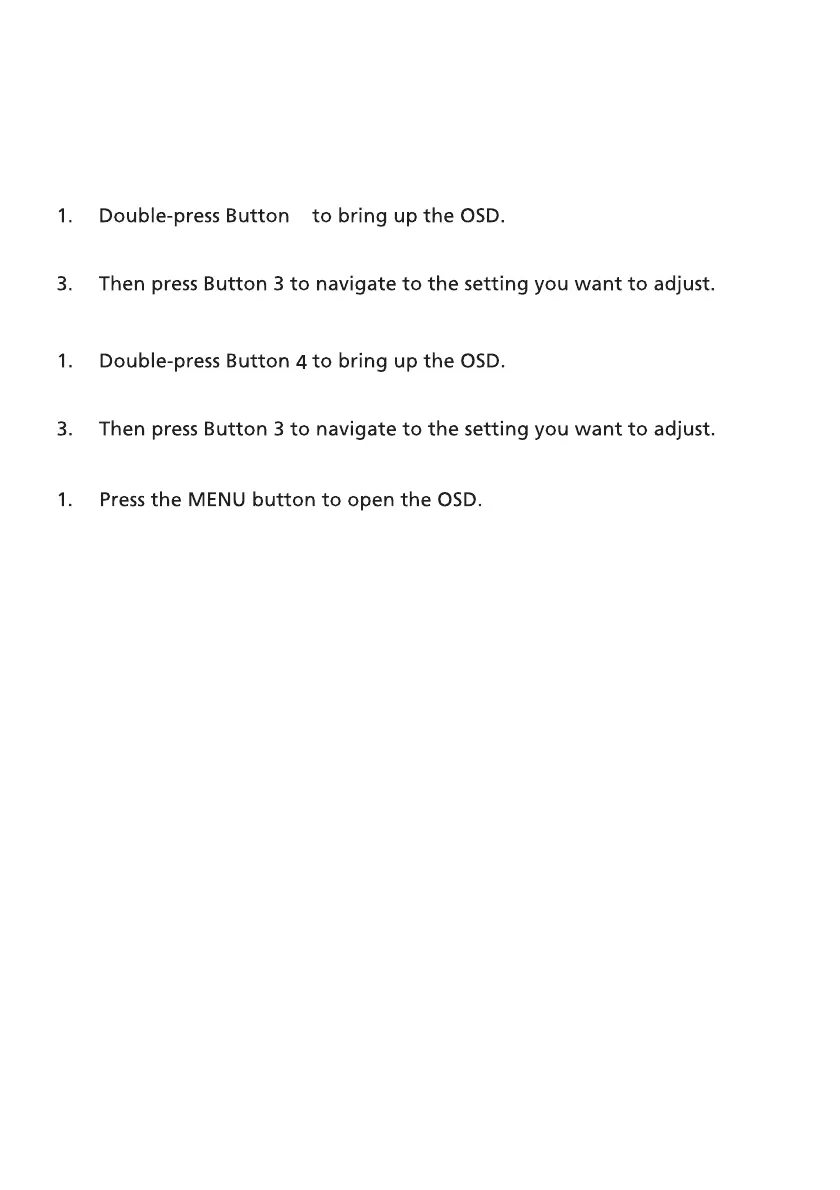
Use buttons to open the OSD and navigate to the Settings you need.
1. Press the Menu/Navi/OK button to open the OSD.
2. Use Buttons 1/2 to select the Settings you need from the OSD.
2. Use Buttons 1/2 to select the Settings you need from the OSD.
2. Using the Navi/Ok button, to select the Settings you need from the OSD.
3. Then Using the Navi/Ok button to navigate to the setting you want to adjust.
The button of Type 3-2
2. Using the Menu/Navi/Ok button, to select the Settings you need from
the OSD.
3. Then Using the Menu/Navi/Ok button to navigate to the setting you
want to adjust.



 To Next Page