
 Need help?
Do you have a question about the AOpen DE6140 Series and is the answer not in the manual?
This document is a user guide for the AOPEN DE6140 series personal computer, providing information on its specifications, features, and usage.
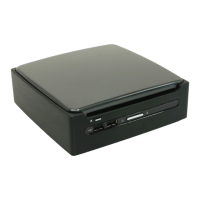
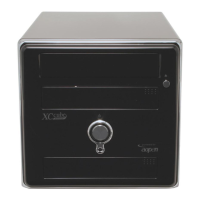
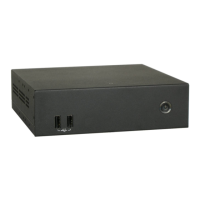
The AOPEN DE6140 series is a personal computer designed for various applications, featuring a compact form factor. It is equipped with multiple input/output ports for connectivity and expansion. The device is designed to be a reliable computing solution, with considerations for environmental protection through proper disposal and recycling instructions.
CPU Support: The DE6140 series supports AMD Embedded R-Series APUs with a TDP of 35W and an FS1r2 socket type.
Chipset: It utilizes the FCH A70M chipset.
Memory: The system includes two SO-DIMM DDR III slots, supporting memory speeds of 1333/1600 MHz, with a maximum memory capacity of 8GB.
Graphics: Integrated AMD Radeon™ HD 7xxx series graphics are provided.
Expansion Slot: One full-size mini card slot is available for expansion.
Audio: The device features an on-board Realtek HD Audio CODEC.
LAN: It includes one Realtek Gigabit Ethernet port, supporting 10/100/1000 speeds.
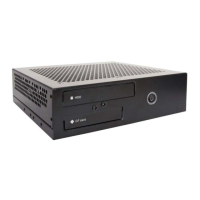
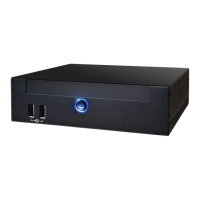
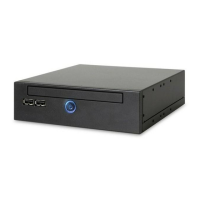
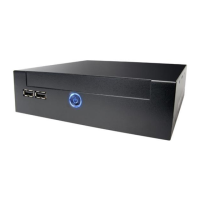
Front Panel I/O: The front panel includes a power button, an HDD/Power indicator (blue LED), and two USB 2.0 ports.
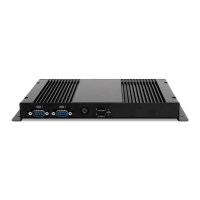
Rear Panel I/O: The rear panel offers extensive connectivity, including:
Adapter: A 90W (19V, 4.74A) AC Power Adapter is supplied.
Input Voltage: The device operates with an AC input voltage range of 100~240V.
Internal Connectors: The motherboard includes various internal connectors for components such as:
Front I/O: The front of the device features two USB 2.0 ports and a power button with an integrated blue LED that also serves as the HDD activity indicator.
Rear I/O: The rear panel provides a comprehensive set of ports for connecting displays, network, audio, and other peripherals, including four HDMI ports for multi-display setups, e-SATA/USB combo ports, and a serial port.
Overheating Prevention: To prevent overheating, it is crucial not to install the DE6100 (likely a typo for DE6140) in a closed space. A minimum of 2 inches or 5 cm of space around the ventilation holes on the Digital Engine side is required for proper airflow. Users must ensure that no objects cover the ventilation holes. The manual illustrates proper ventilation for both "With Fan" and "Fanless" configurations, showing airflow paths and required clearances.
Power Holder: A power holder is provided to secure the DC plug, preventing accidental disconnection due to abnormal force. The installation involves three steps:
Disposal Instructions (WEEE Compliance): The manual emphasizes environmental responsibility by providing disposal instructions in multiple languages (US English, Japanese, Traditional Chinese, Danish, Dutch, French, German, Italian, Norwegian, Portuguese, Spanish, Swedish). Users are instructed not to dispose of the electronic device in municipal trash bins. Instead, they should recycle the product to minimize pollution and protect the global environment. Further information on the collection and recycling of Waste Electrical and Electronic Equipment (WEEE) is available on the AOPEN website (www.aopen.com) under the "Green Products" section.
Safety Instructions: A list of safety instructions is provided to ensure safe operation and maintenance:
FCC Notice: The device complies with Part 15 of the FCC Rules for Class B digital devices, designed to provide reasonable protection against harmful interference in a residential installation. If interference occurs, users are advised to:
Copyright and Disclaimer: The publication belongs to AOPEN Inc., which reserves the right to change the content without obligation. No part of the publication may be reproduced, transcribed, transmitted, translated, or stored in any form or by any means without prior written permission. AOPEN makes no warranties or representations, either expressed or implied, with respect to the content herein and specifically disclaims any warranties, merchantability, or fitness for any particular purpose. AOPEN and AOPEN logos are registered trademarks of AOPEN Inc. All other brand names and trademarks are owned by their respective owners. Copyright © 2010 by AOPEN Inc. All rights reserved.


 To Next Page
 General