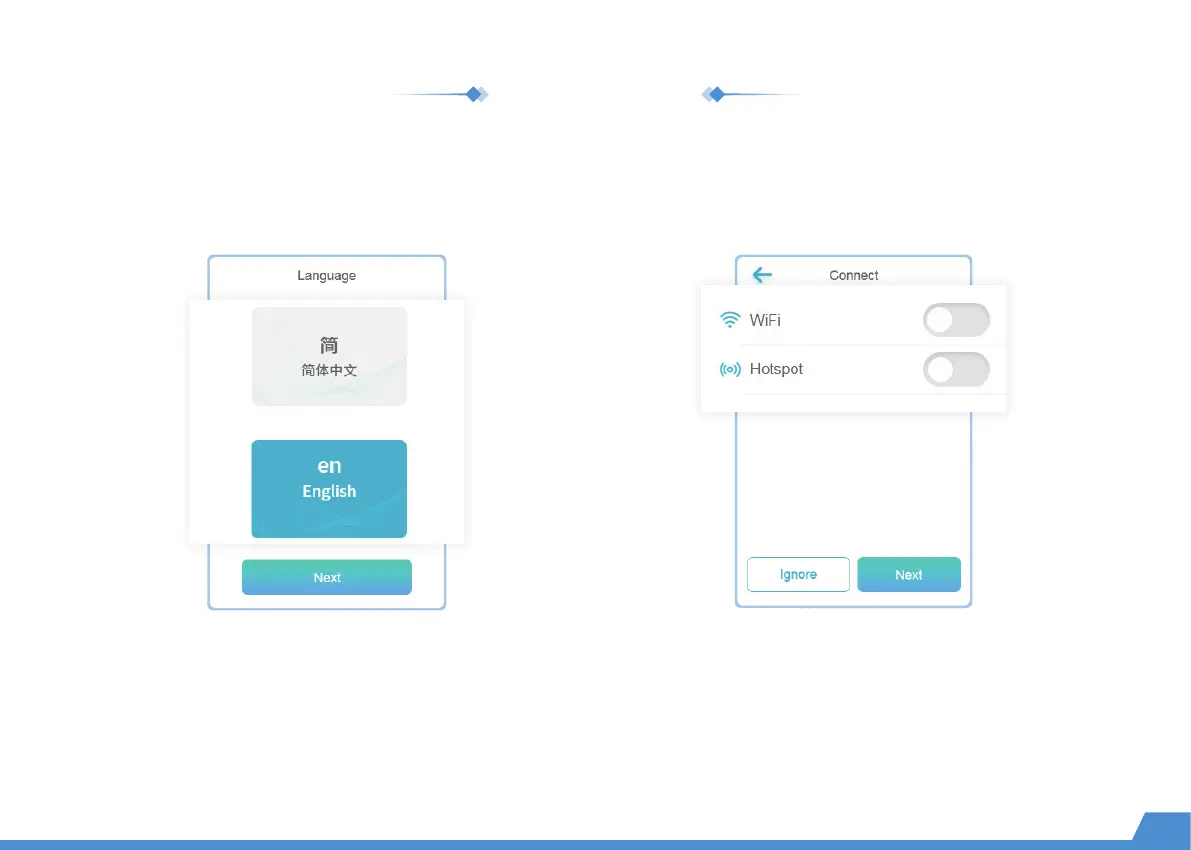
Select your preferred language. You can also
change it by going to "Setting -> Language".
Wi-Fi: With the same WLAN, the X-MAKER App
can be connected to the printer.
Access Point: When there is no WLAN available, the printer's
access point can provide Internet access to the application.
After power on, the welcome setup will appear on the touchscreen. Follow the steps and complete the setup.
Language Connection
Welcome setup
05


 To Next Page