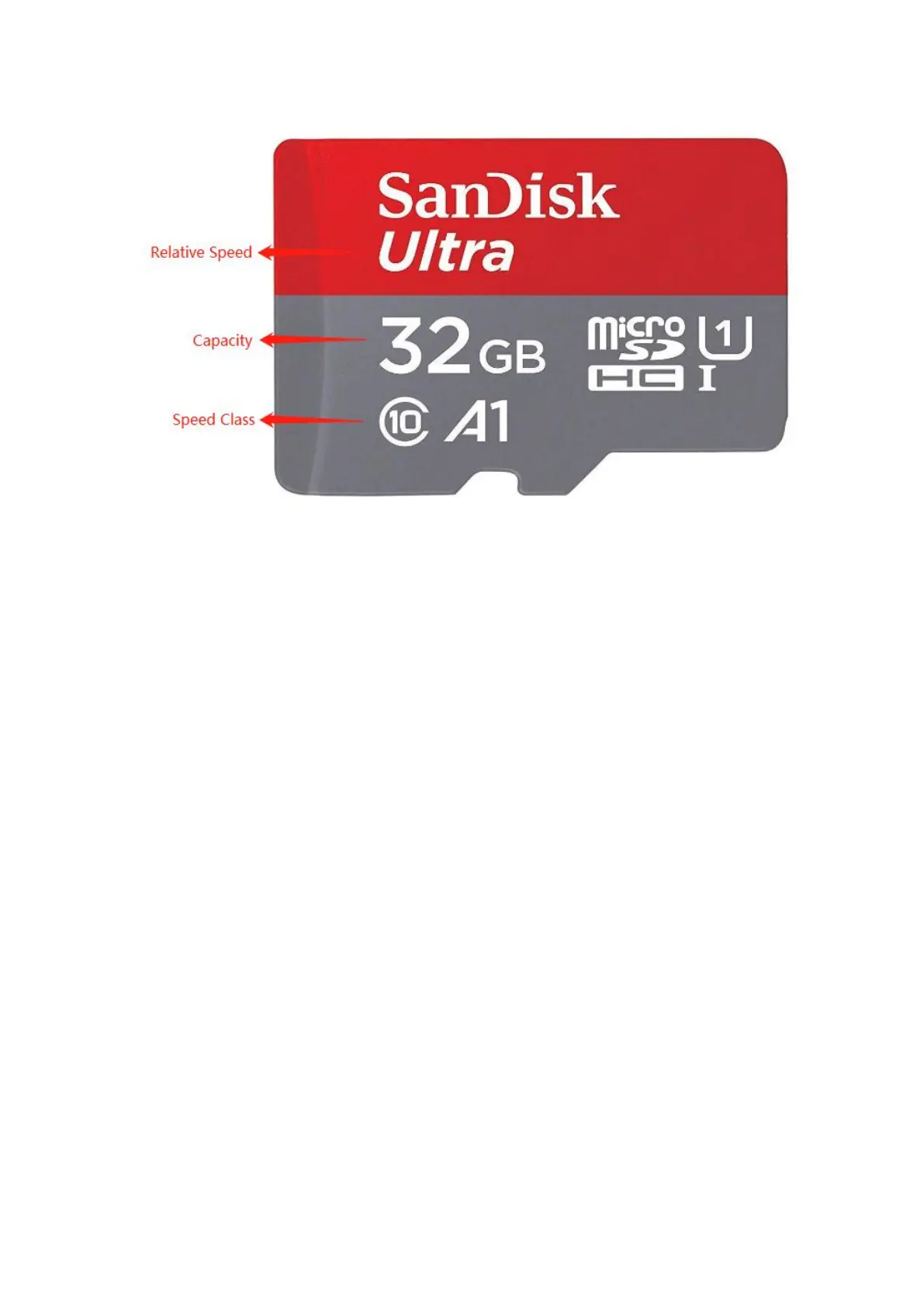
B. How to Format a New MicroSD Card Using Your PC
If you have just purchased a New MicroSD Card to use with the Dash
Cam, we recommend attempting to format it on your computer first
even though in most of the time the new card is completely empty.
Some new MicroSD Cards have files from the manufacturer and they
also need to be formatted.
Follow the instructions below to format the MicroSD card on your
computer.
Windows:
1. Insert the MicroSD card into your computer. You may need a card
reader for this.
2. Open File Explorer and locate the drive letter for your MicroSD
card. Right-click the drive and select Format.
3. Set the File System to FAT32. Select Start to begin.
4. Select OK to begin formatting the card.



 To Next Page