3
1. Install the micro SD card
• use a micro SD card with a speed of class 10 or higher and a capacity of
4GB-32GB to ensure device stability.
• turn the device off before inserting or removing the micro SD card.
2.Secure the connecting cable so that it does not hinder vehicle
operation.
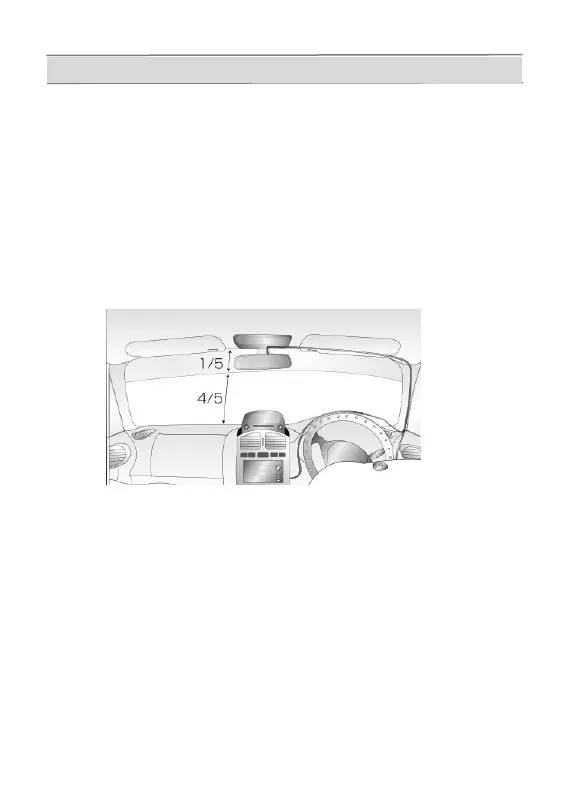
3.Attach to windscreen.
• The mounting position should be within 1/5 of the top of the
windscreen to prevent issues with rear view mirror positioning.
(left and right sides of rear view mirror recommended)。
• When attaching with double-sided tape ensure surface is clean and dry.
4.Insert the plug at the end of power cable to vehicle's AUX / lighter socket.
• unit starts recording automatically when power is connected.
• if AUX / lighter socket contacts are dirty this may prevent operation.
• be sure to use the included vehicle power connecting cable.
5.Turn the lens knob to adjust the vertical angle.
• when setting viewing angle set camera to record less that 50% sky.
Recording too much bright sky can cause image to darken.
mounting method



 To Next Page