2
・This unit cannot record without a micro SD card installed.
・Initialize the micro SD card.
・Perform operation with vehicle engine off.
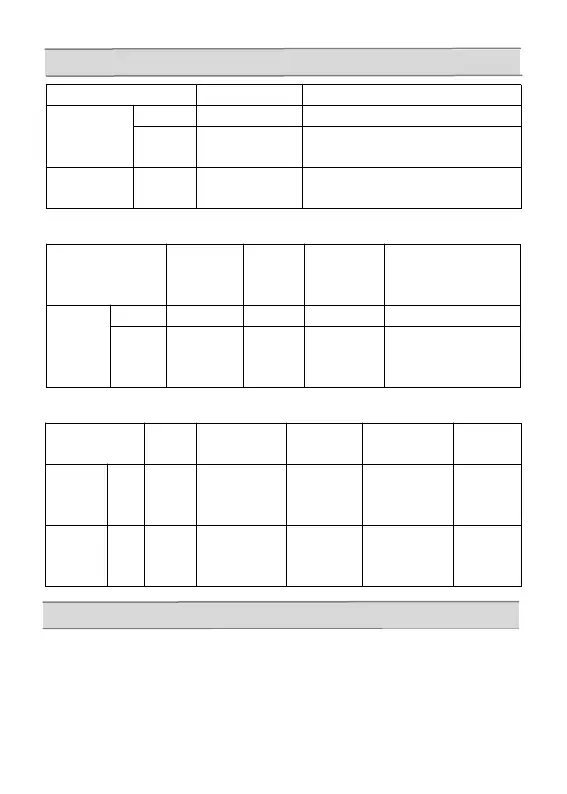
button OFF state standby state
power button
long press
power off after recording
short press
after power-on
start recording
screen OFF
(screen ON with any button)
button
short press
return to main menu
button recording
still image
in
mode
during each
setting
preview
in mode
button
long press
go to recording mode
short press
lock
deleted
& written
protection
still image
shoot
decide
start of playback
temporary stop
stop
button
Recording
in
standby
state
during each
setting
preview
in mode
regenerating
button
short
press
long
record
stop
start recording
forward
forward
rewind
press
button
recording
on
off
mode
switching
next
next fast
forward
Button operation
Installation notes
short
press
long



 To Next Page