Part 1: Installation of the Camera
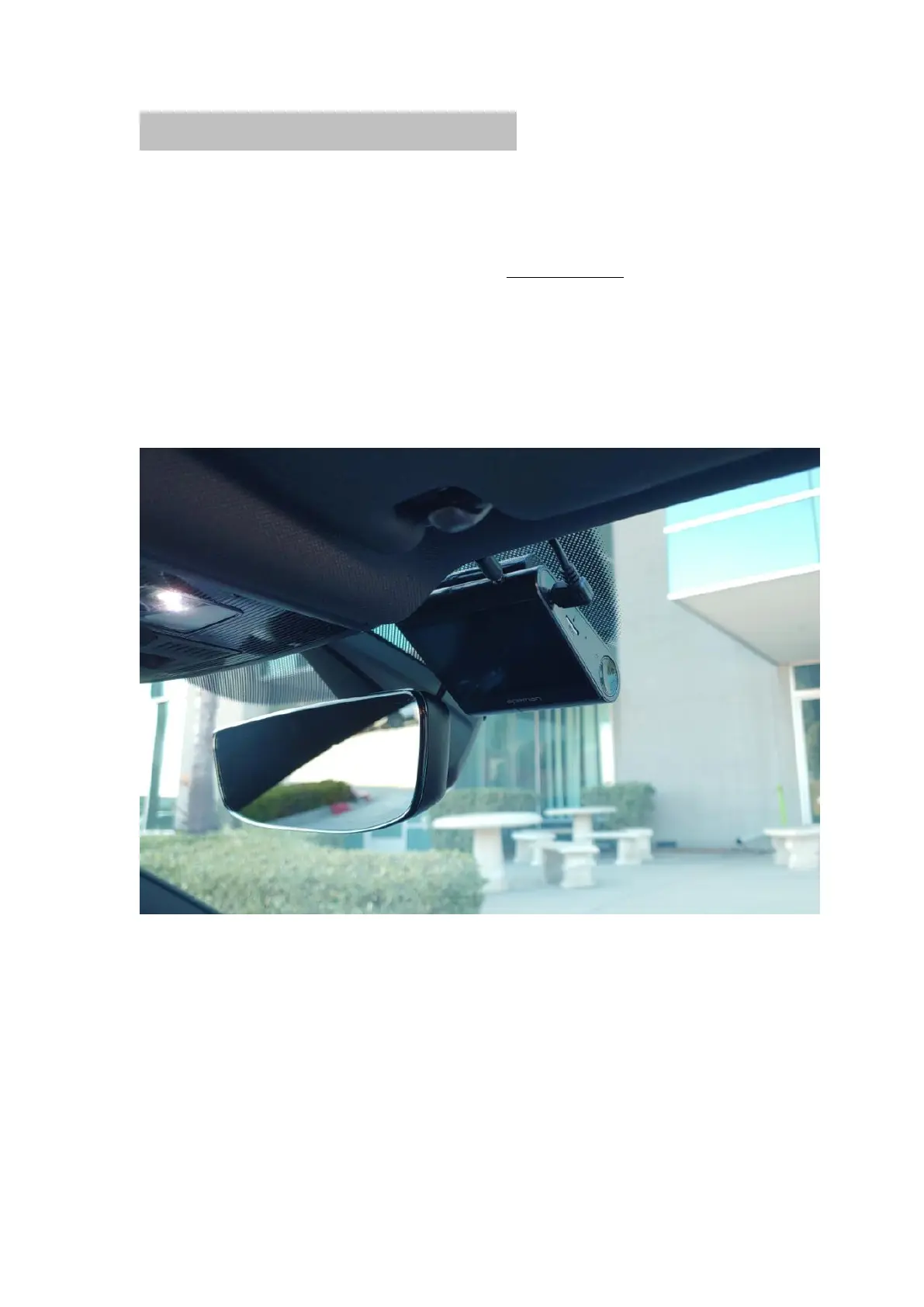
Front camera:
1. Clean the windshield using water or alcohol and wipe it clean with a lint-free
cloth. Remove the label side of the windshield protective film and attach the
sticky side of the protective film to the windshield.
2.Remove the sticker protecting the 3M adhesive and attach the 3M adhesive to
the curved area of the windshield protective film. Hold the dash cam in place for
a few seconds to ensure stability.



 To Next Page