EasyManua.ls Logo

Apex Digital PD-480 - User Manual

Default Icon
34 pages
Print Icon
To Next Page IconTo Next Page
Loading...
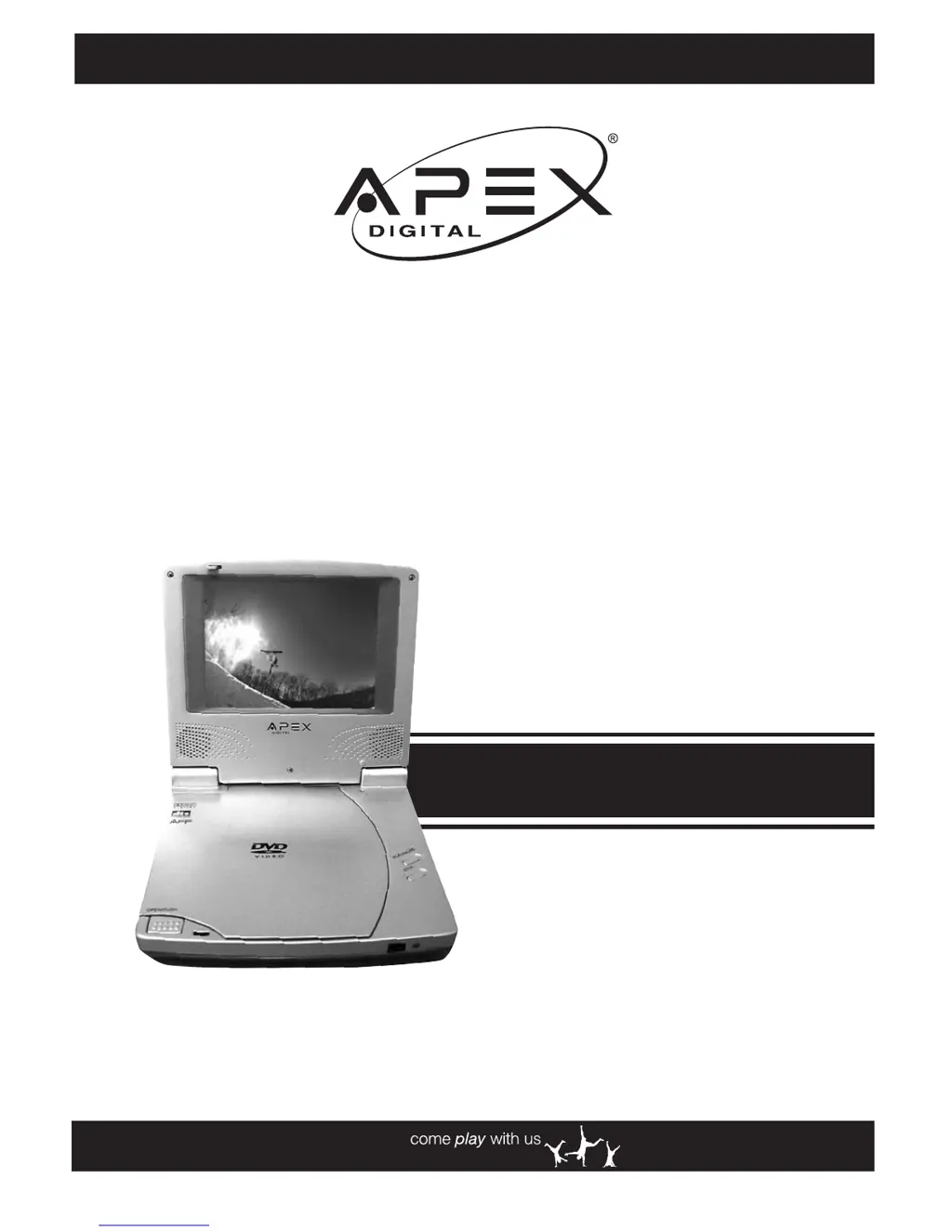
PD-480
Portable
DVD Player
User Manual
Playable Disk Format:
DVD/CD/CD-R/CD-RW
www.apexdigitalinc.com

Table of Contents

Questions and Answers

Summary

FCC and Safety Information

Important Safety Instructions

Precautions

Getting to Know Your Portable DVD Player

Remote Control Diagram

Detailed diagram of the remote control with all buttons labeled.

Quick Operation Guide

Quick Operation

Step-by-step instructions for initial setup and basic operation of the DVD player.

Connecting External Equipment

Guide on connecting the DVD player to external audio/video devices like TVs or amplifiers.

Basic Playback Steps

Instructions for turning on the player, loading a disc, and starting playback.

Using the Battery Pack

Charging the Battery Pack

Instructions on how to charge the internal battery pack using the AC adapter.

DVD Playback

Stopping Playback and Returning to Menu

How to stop playback and return to the disc's menu screen if available.

Skipping Chapters

Instructions for skipping to the next or previous chapter on a DVD.

Repeat Viewing

How to set the player to repeat a chapter, title, or the entire disc.

Convenient Functions

Audio CD Playback

Basic Playback

Step-by-step guide for playing an Audio CD.

Rapid Advance and Reverse

Methods for fast forwarding or rewinding through an Audio CD track.

Setup

Language Setup

How to set preferred languages for OSD, subtitles, audio, and DVD menus.

Video Setup: TV Aspect Ratio

How to select the TV aspect ratio (4:3 PS, 4:3 LB, 16:9) for optimal viewing.

Custom Setup: Parental Control

How to set parental controls to restrict viewing based on rating.

Custom Setup: Password Setting

How to change or set a password for parental control features.

Custom Setup: Load Factory Settings

How to reset the player to its original factory default settings.

Troubleshooting Guide

Disc Handling and Maintenance

Handling Precautions

Guidelines for handling discs to prevent damage and ensure proper playback.

Specifications

Apex Digital PD-480 Specifications

General IconGeneral
BrandApex Digital
ModelPD-480
CategoryPortable DVD Player
LanguageEnglish

Related product manuals