EasyManua.ls Logo

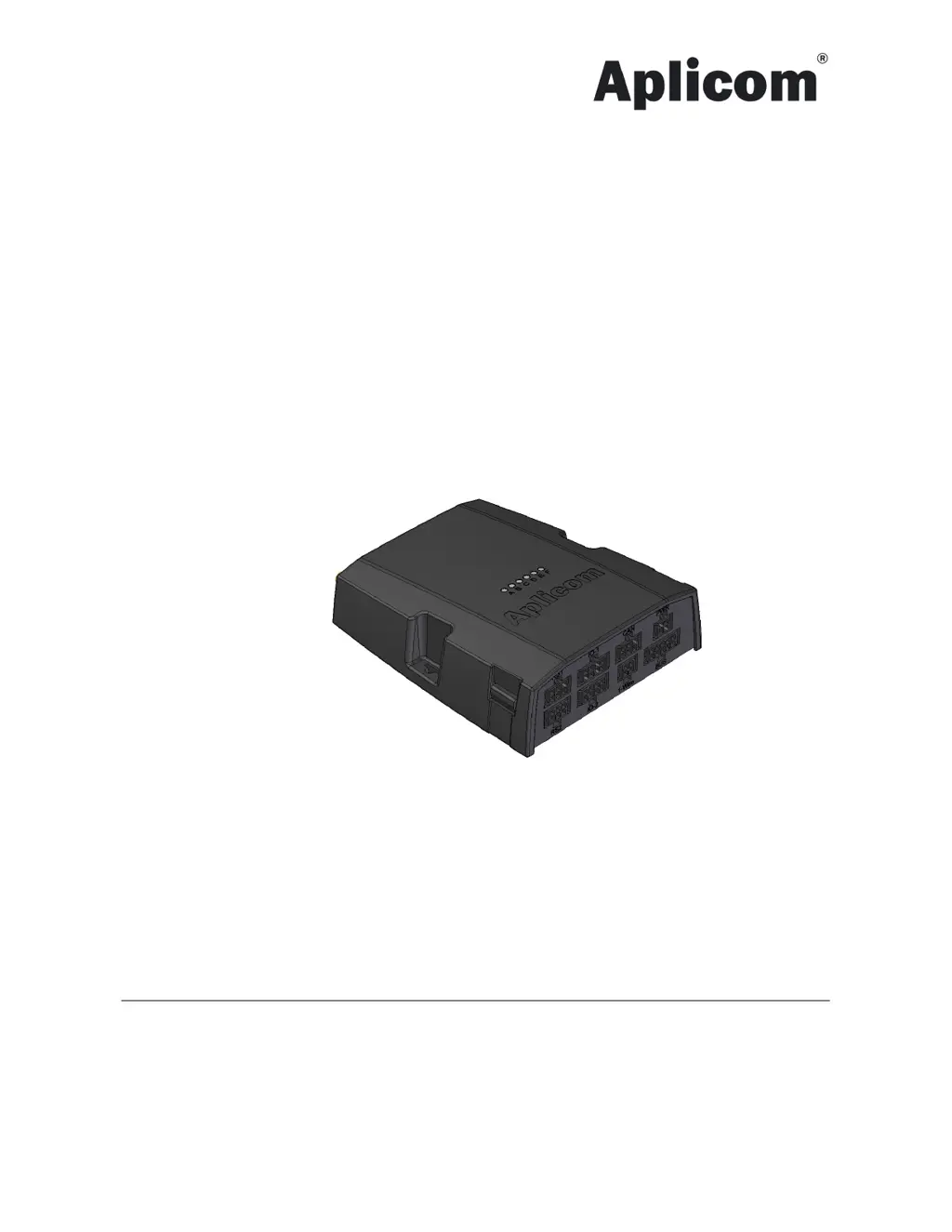
APLICOM A11 - User Manual

APLICOM A11
10 pages
Print Icon
To Next Page IconTo Next Page
Loading...
APLICOM A11
Installation guide rev. 1.0.0
Order code K530001
Important:
Please read this installation guide before the installation.
Aplicom Oy, P.O. Box 33, FI-44101 Äänekoski, Finland, Telephone +358 10 841 9414, Fax +358 14 520 800
Business ID 0995791-7, Äänekoski
Info@aplicom.fi
www.aplicom.com

Questions and Answers

Summary

Package content

Preparation and installing of the A11 unit

Mechanical Installation

Installation Methods

Dual Lock Fastener Mounting

Install the A11 unit using the dual lock fastener provided in the package.

Cable Tie Mounting

Mount the A11 unit using its four mounting lugs and cable ties.

Screw Mounting

Secure the A11 unit using screws through the designated mounting holes.

Electrical Installation

Software configuration

LEDs Status Indicators

Explains the function and status indication of unit LEDs (A-F).

Testing installation

Technical Data

WARNINGS

INSTALLATION CHECKLIST

TROUBLE SHOOTING

No Power Issues

Solutions for issues related to the unit not receiving power.

No GPRS Connection

Troubleshooting steps for when the unit fails to establish a GPRS connection.

No GPS Position

Guidance on resolving problems with the unit failing to acquire a GPS position.

APLICOM A11 Specifications

General IconGeneral
BrandAPLICOM
ModelA11
CategoryData Loggers
LanguageEnglish