10
Indicators and Controls
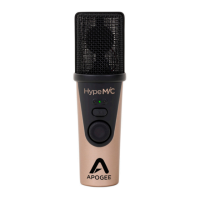
Apogee HypeMiC
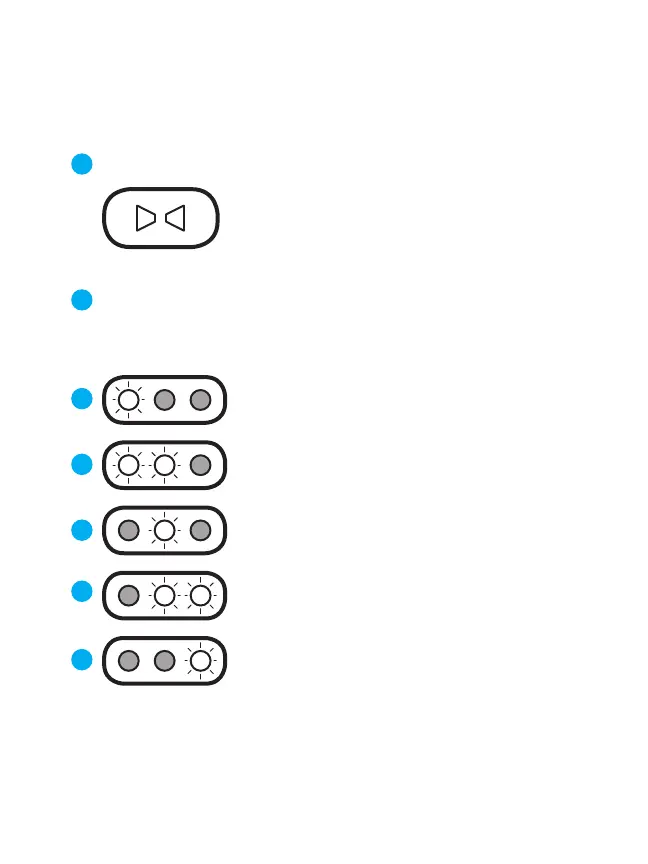
Blend Control Button
Push Blend to change low-latency monitoring setting
Each press toggles through 5 dierent Blend settings
NOTE: Blend setting shown for 1 second
Mostly input signal (90%)
Some app audio mixed in (10%)
Strong input signal (75%)
App audio mixed in (25%)
Less input signal (25%)
Strong app audio mixed in (75%)
Blend O=
No input signal (0%)
Full app audio (100%)
If using HypeMiC’s
high-quality headphone
output for listening to
music, video, etc.
Equal amount of input signal (50%)
Equal app audio mixed in (50%)
1
2
5
4
3
6
7


 To Next Page