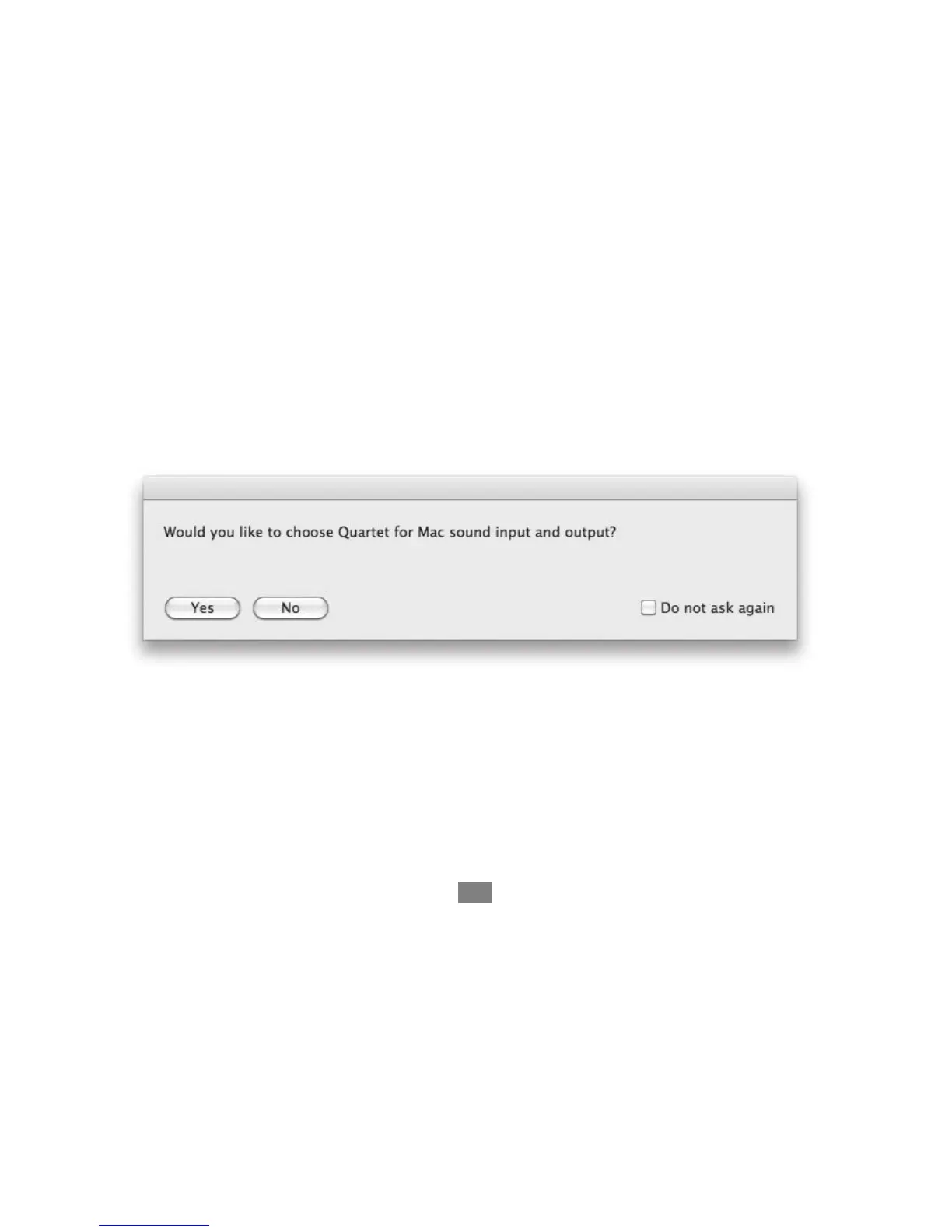
Choosing Quartet for Mac Sound I/O
After connecting Quartet, installing the software and restarting your Mac, a dialog box will prompt you to choose
Quartet for Mac sound input and output. Click Yes.
Connect to Headphones or Speakers
Connect headphones to the headphone output on the right side of Quartet.
Connect Quartet’s 1/4” speaker outputs 1-2 to the inputs (balanced or
unbalanced) of your studio monitors or amplifier.
Connecting to your Mac - Apogee Quartet QuickStart Guide
13



 To Next Page