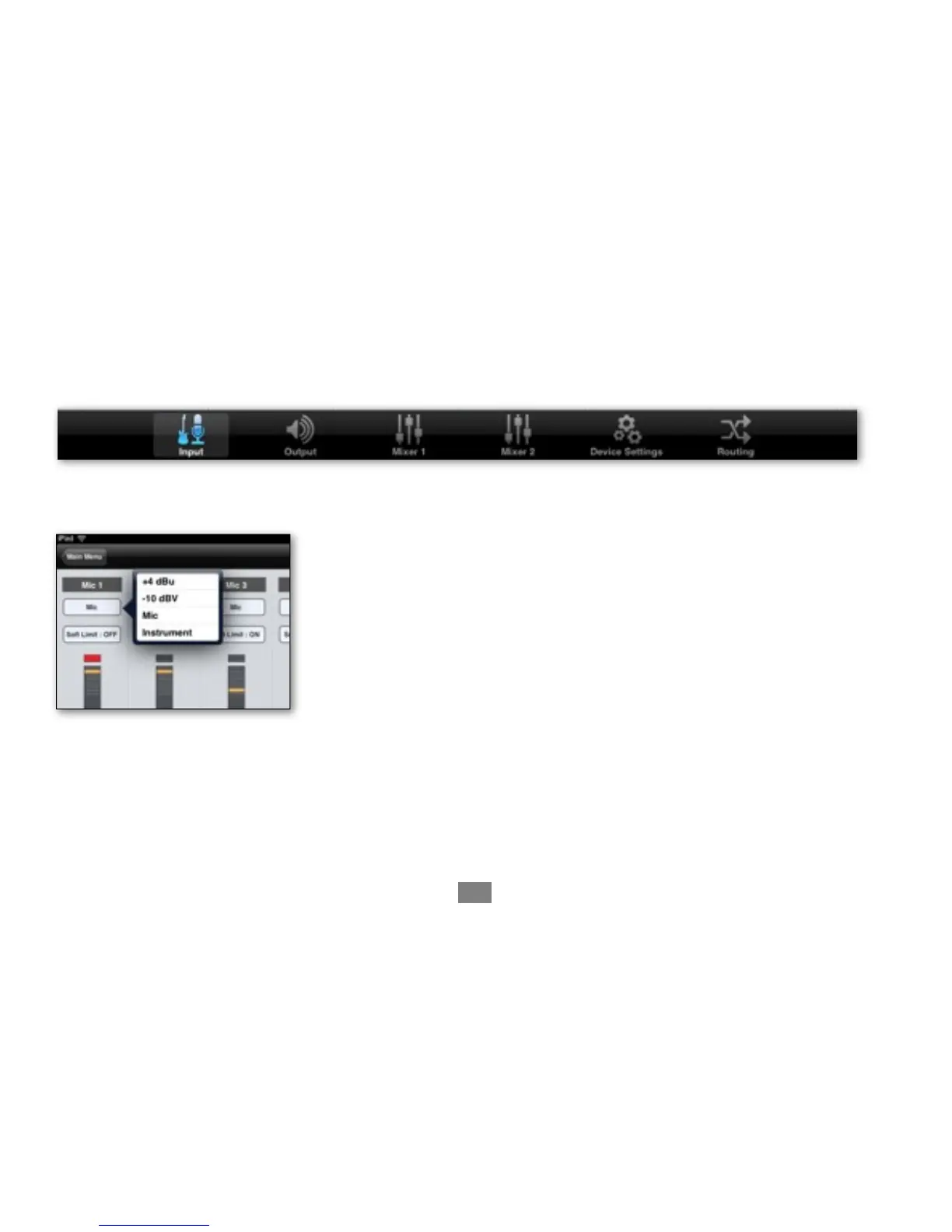
Open Apogee Maestro app, choose Quartet from the main menu and select the Input tab.
Select the Analog Level setting that corresponds to the device you have
connected to Quartet’s input(s). For example, if you have an XLR microphone
connected to input 1, select “Mic” from the Analog Level menu on channel 1.
Connecting to your iPad - Apogee Quartet QuickStart Guide
20



 To Next Page