Headphone Output level
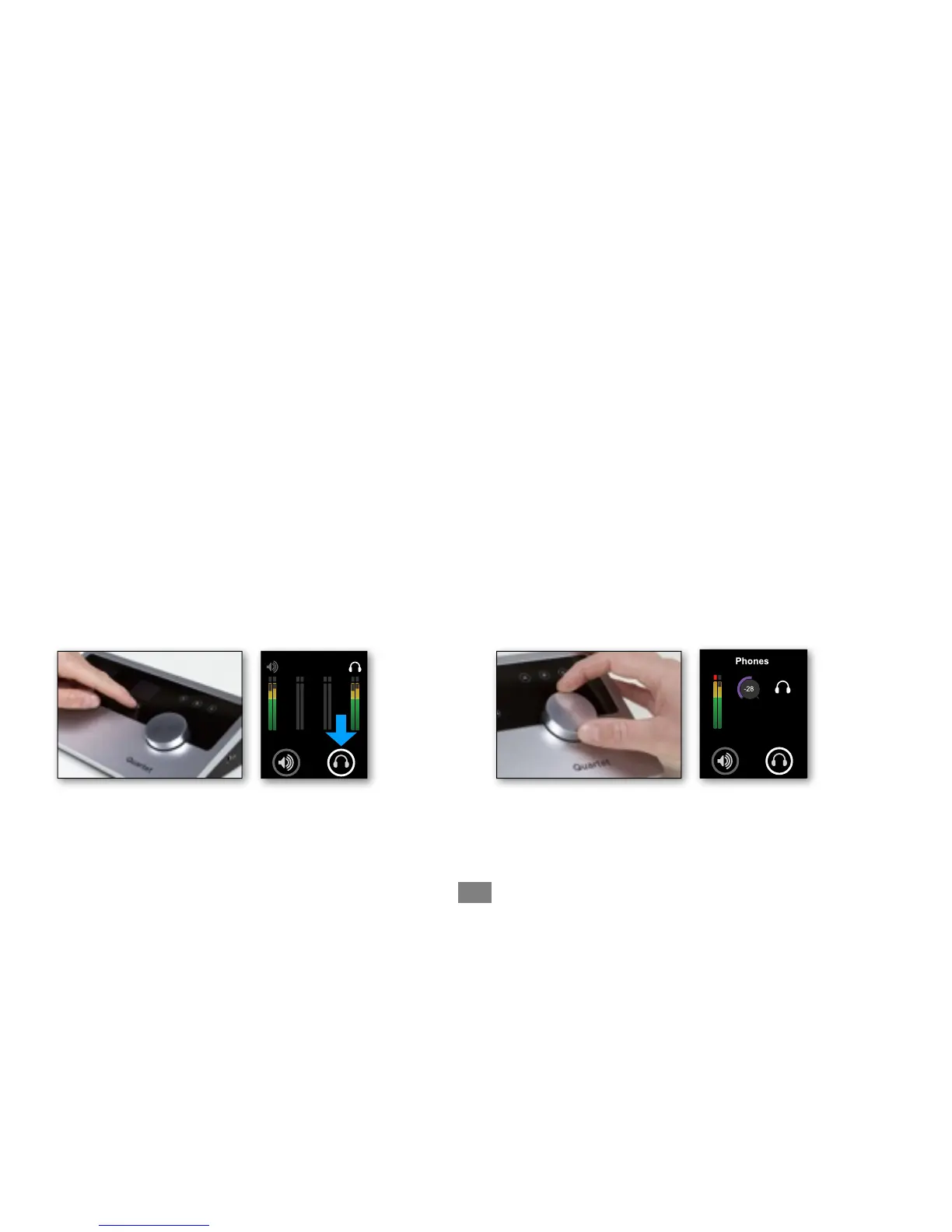
To change Quartet’s headphone output level (i.e the listening level of connected headphones):
1) Press the headphone output Touchpad.
The ring around the selected icon will be brighter
than the others after you select it.
2) Turn the controller knob to the desired listening level.
"
The controller knob operates in parallel with
Maestro’s headphone control.
Adjusting Input & Output Levels - Apogee Quartet QuickStart Guide
24



 To Next Page