Selecting Daytime Setup allows set up the Daytime range. Use the Up and Down arrow buttons to set the Daytime
range. The Recorder considers the remaining time range as Nighttime.
Tampering
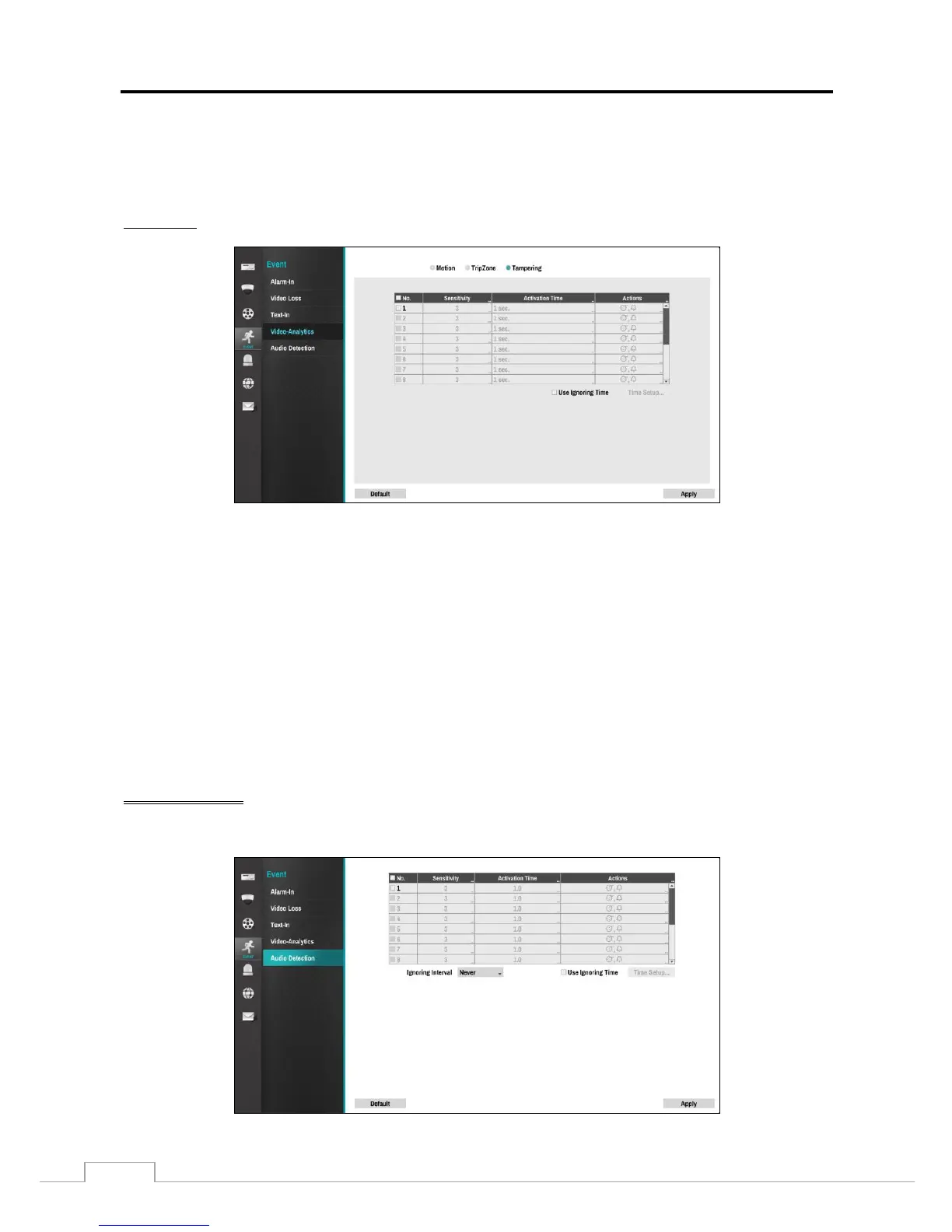
Video tampering detection can be turned On or Off for each camera.
Selecting the box under the Sensitivity heading allows adjustment of the Recorder’s sensitivity to tampering for Daytime
and Nighttime independently. There are five settings with 1 being the least sensitive and 5 being the most sensitive.
Selecting the box under the Activation Time heading allows setting the duration before the Recorder reports a tampering.
The Recorder will not detect a tampering of less than the Activation Time set.
Select the box under Actions. The Recorder can be set to react to tampering detection differently for each camera.
Each camera can be associated with another camera, trigger an Alarm-Out and Alarm LED, and/or notify a number of
different devices.
Selecting Use Ignoring Time toggles between On and Off. When set to On, the Recorder ignores tampering events
occurring during the preset period. Selecting Time Setup allows set up of the event ignoring time.



 To Next Page