12 -
Apple Cinema Display 22" (ADC) Take Apart
USB Cable
USB Cable
Tools
This procedure requires the following tools:
• #2 Phillips screwdriver
Preliminary Steps
Before you begin, do the following:
• Place the display face down on an ESD mat
• Remove the foot assembly and hinge cover
• Remove the rear cover
• Remove the main board shield
Procedure
1. Remove the clear plastic USB cover from the USB socket for transfer to the
replacement cable.
Note:
When replacing, verify that the USB icon arrows point up.
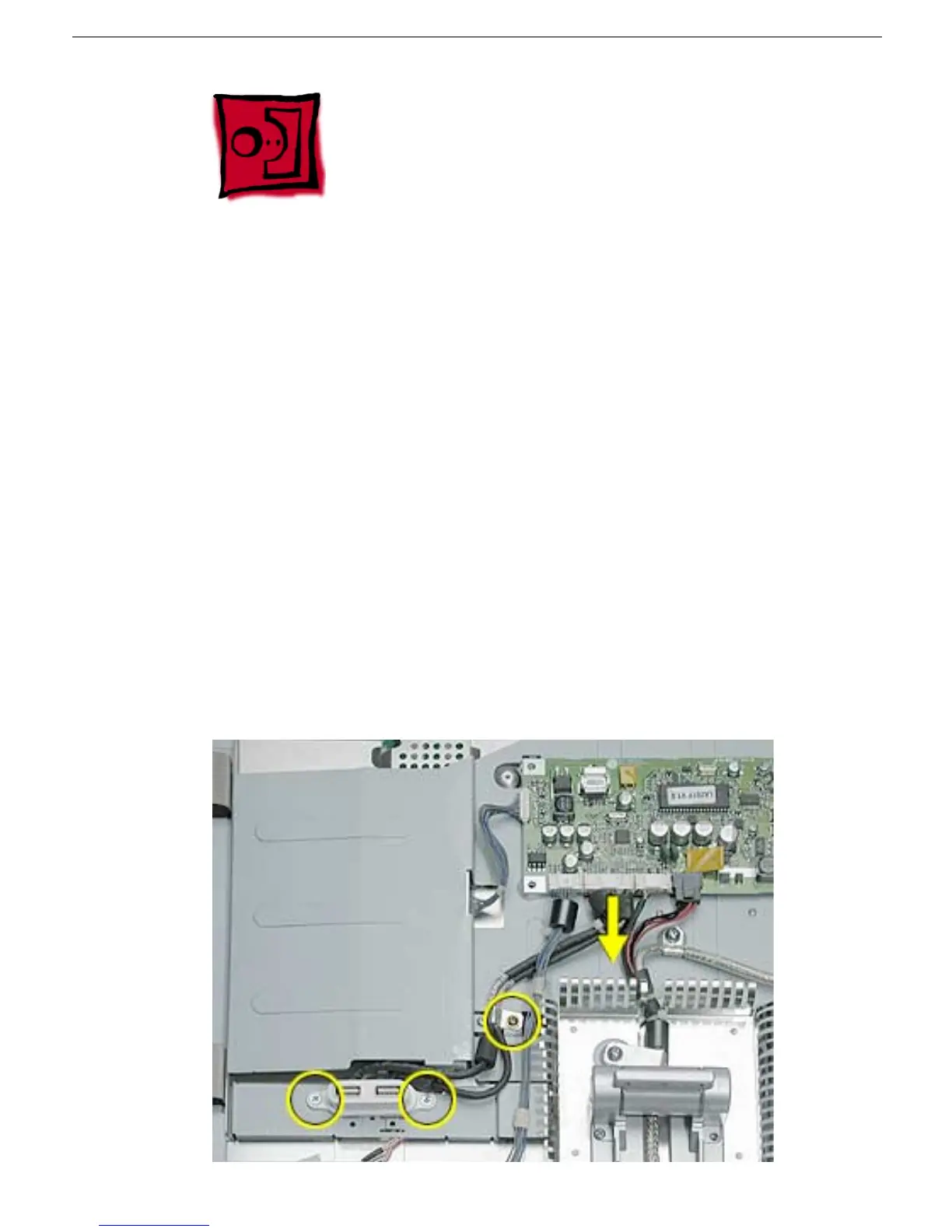
2. Remove the two USB socket screws.
3. Remove the USB cable clip screw.
4. Disconnect the USB cable from the main board, and remove the USB cable.



 To Next Page